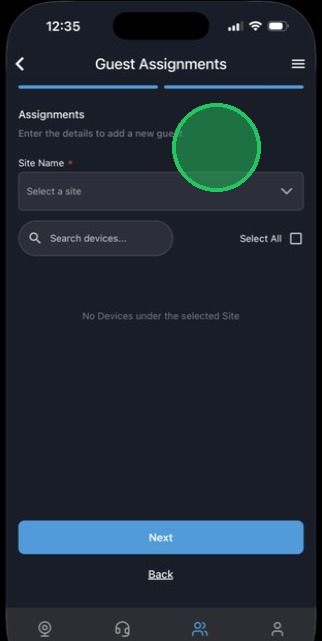
MyDoorView App - Adding a Guest
1. Enter the mobile phone number used for your user profile in the account.
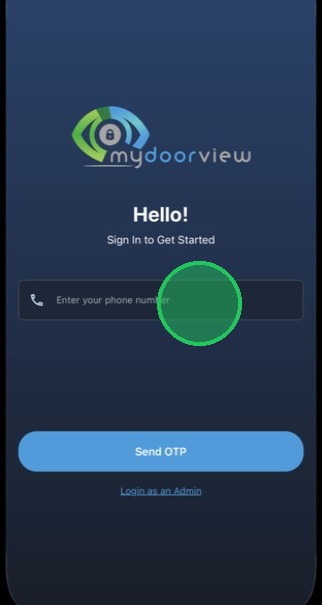
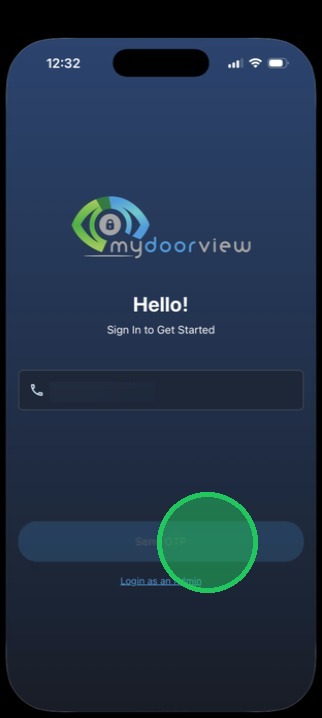
2. Tap "Send OTP"
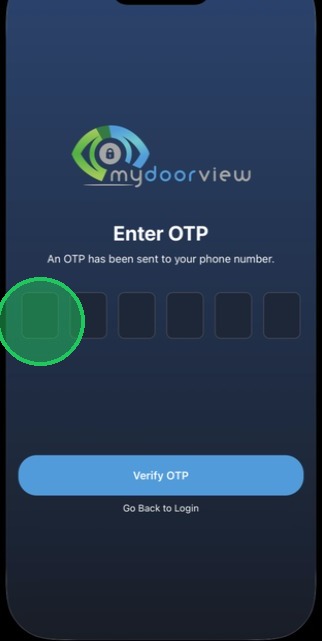
3. Enter in the OTP received via SMS
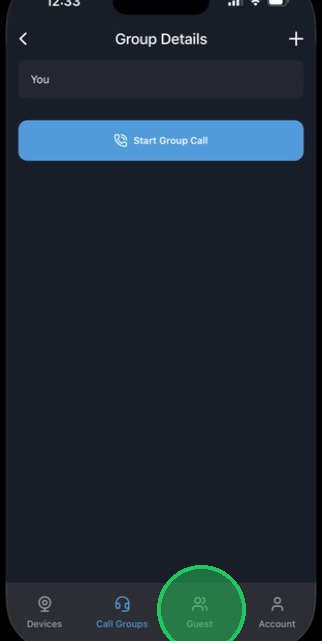
4. Tap the "Guest" tab pictured below.
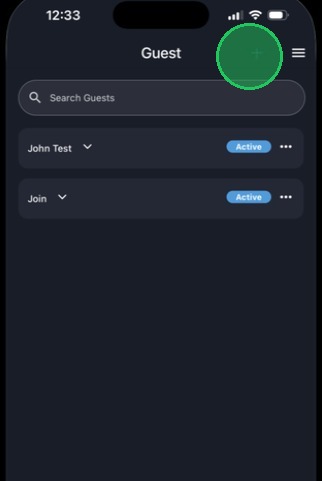
5. Tap the "+" icon to add a guest, or click the three dots by an existing guest to resend the PIN or delete the Guest.
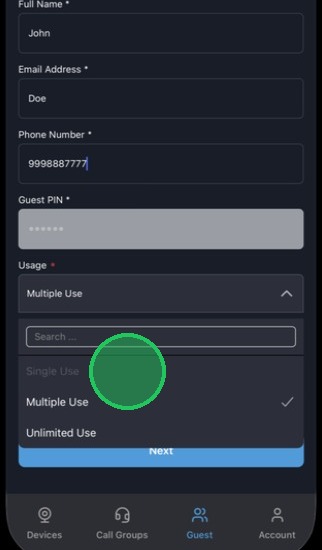
6. Fill out the fields and select the usage type for the PIN.
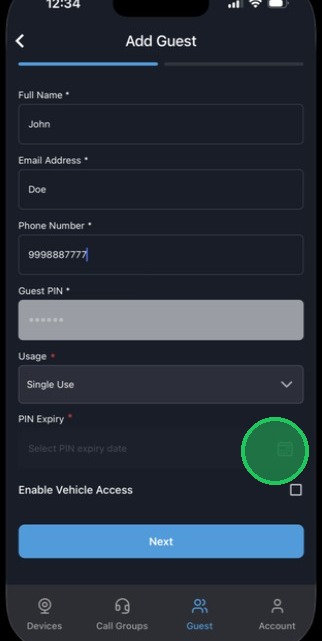
7. Tap to add an expiration date for the PIN.
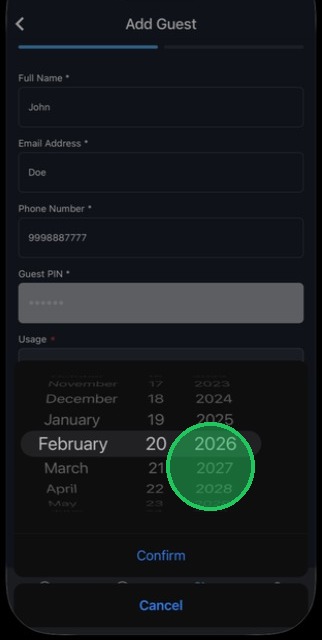
8. Select the date the PIN will expire.
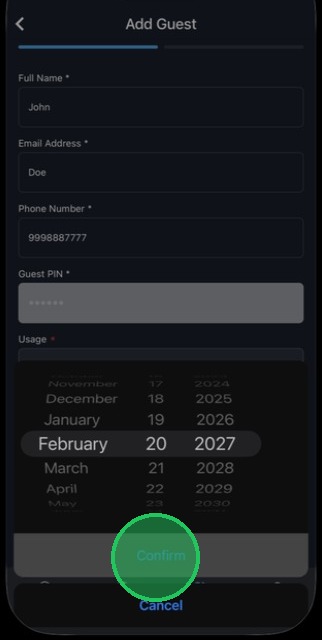
9. Tap to confirm the date.
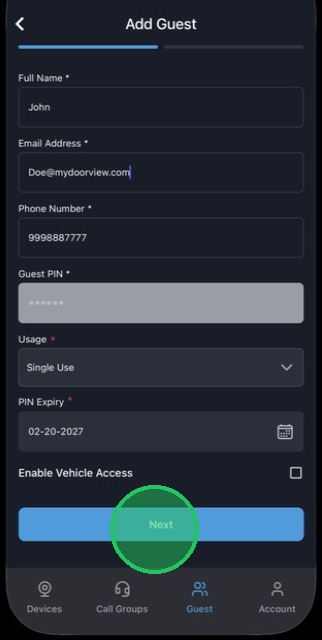
10. Tap "Next"
11. Tap the "Site Name" dropdown to select a site, and the select the devices to grant the guest access to. The PIN will only work at selected devices in the Guest Assignments section. Tap "Next" and confirm to save the Guest.