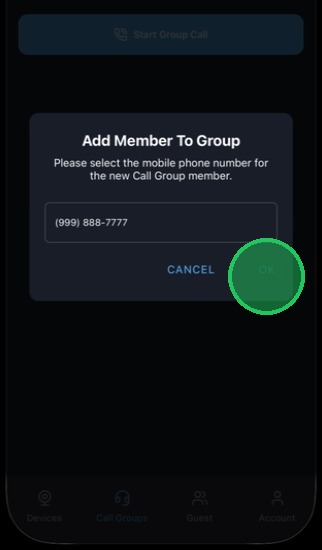
MyDoorView App - Adding a Call Group
1. Enter the mobile phone number used for your user profile in the account.
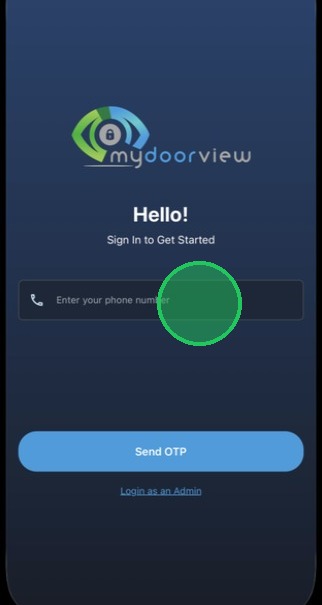
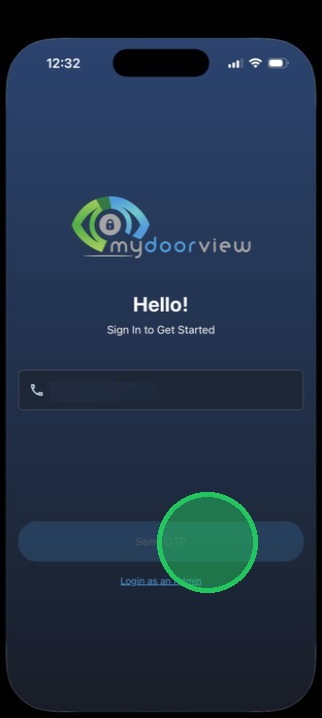
2. Tap "Send OTP"
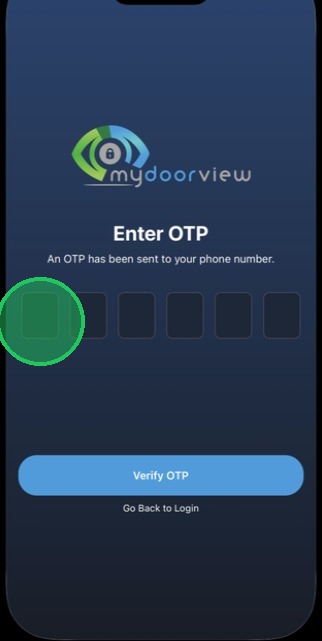
3. Enter in the OTP received via SMS
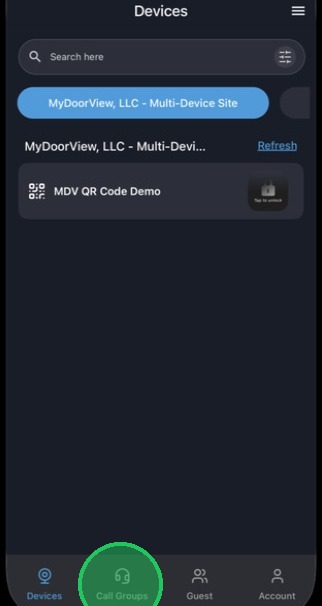
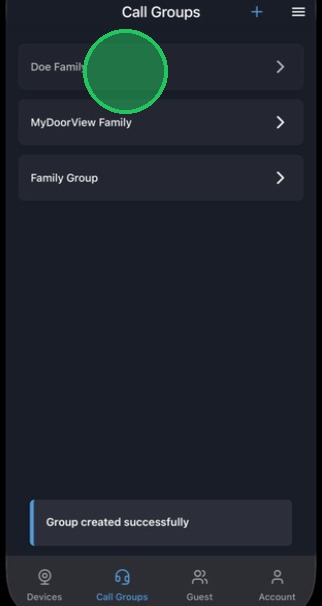
4. Tap "Call Groups"
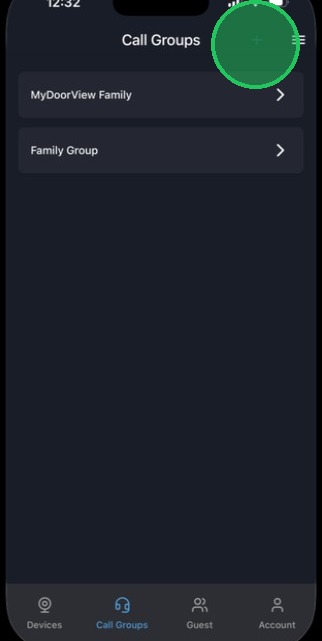
5. Tap the "+" icon in the top right to add a call group.
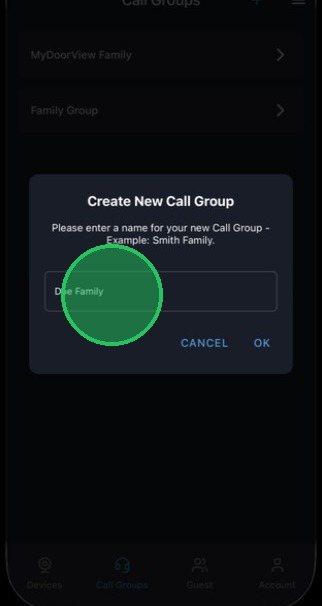
6. Name the call group as desired.
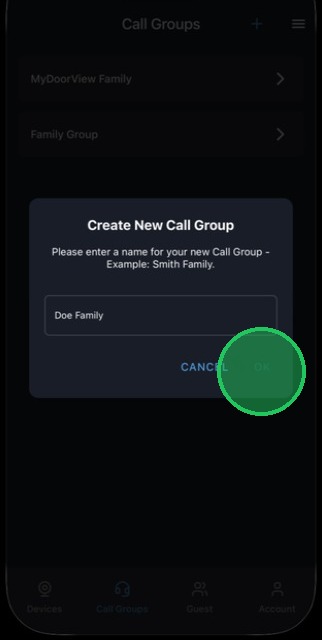
7. Tap "OK" to save the group.
8. Tap the group to add users to the call group.
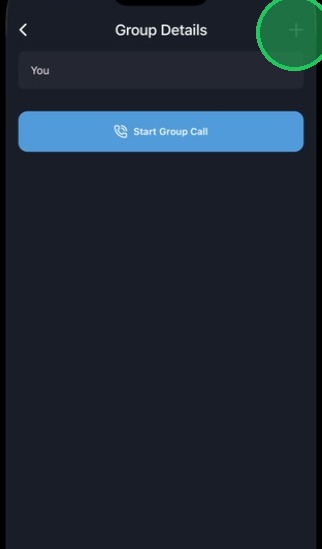
9. Tap the "+" icon to add the user.
10. Enter in a phone number of another user within the same account to add that user to your call group.
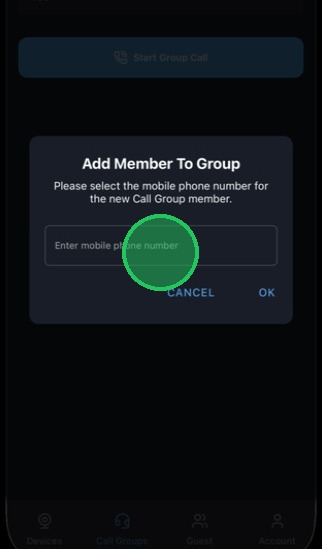
11. Tap "OK" to send the call group invite (this can be accepted by the recipient through the app).