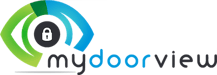
1. Navigate to partner.mydoorview.com . Remote into the desired account following the remote access guide.
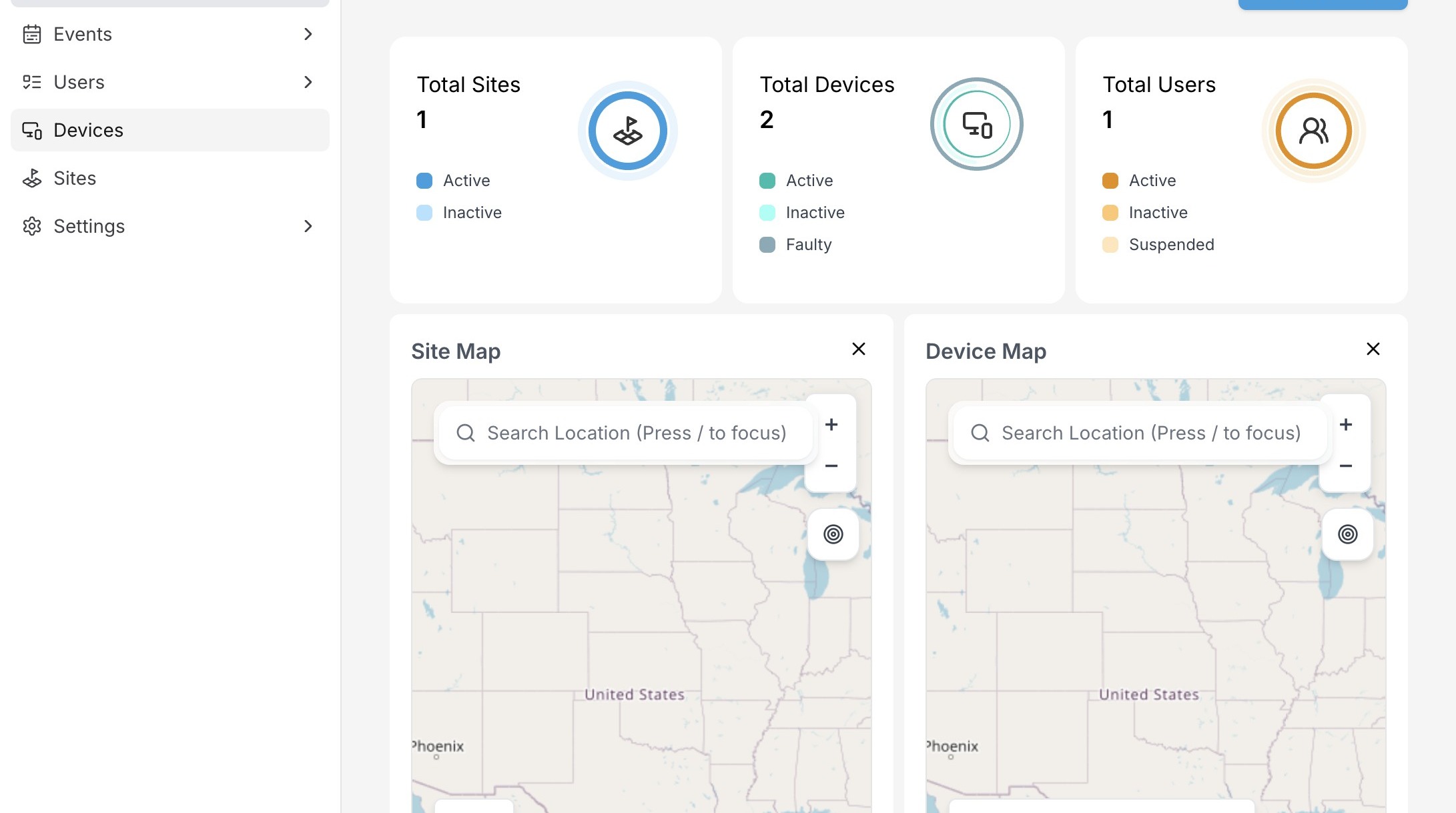
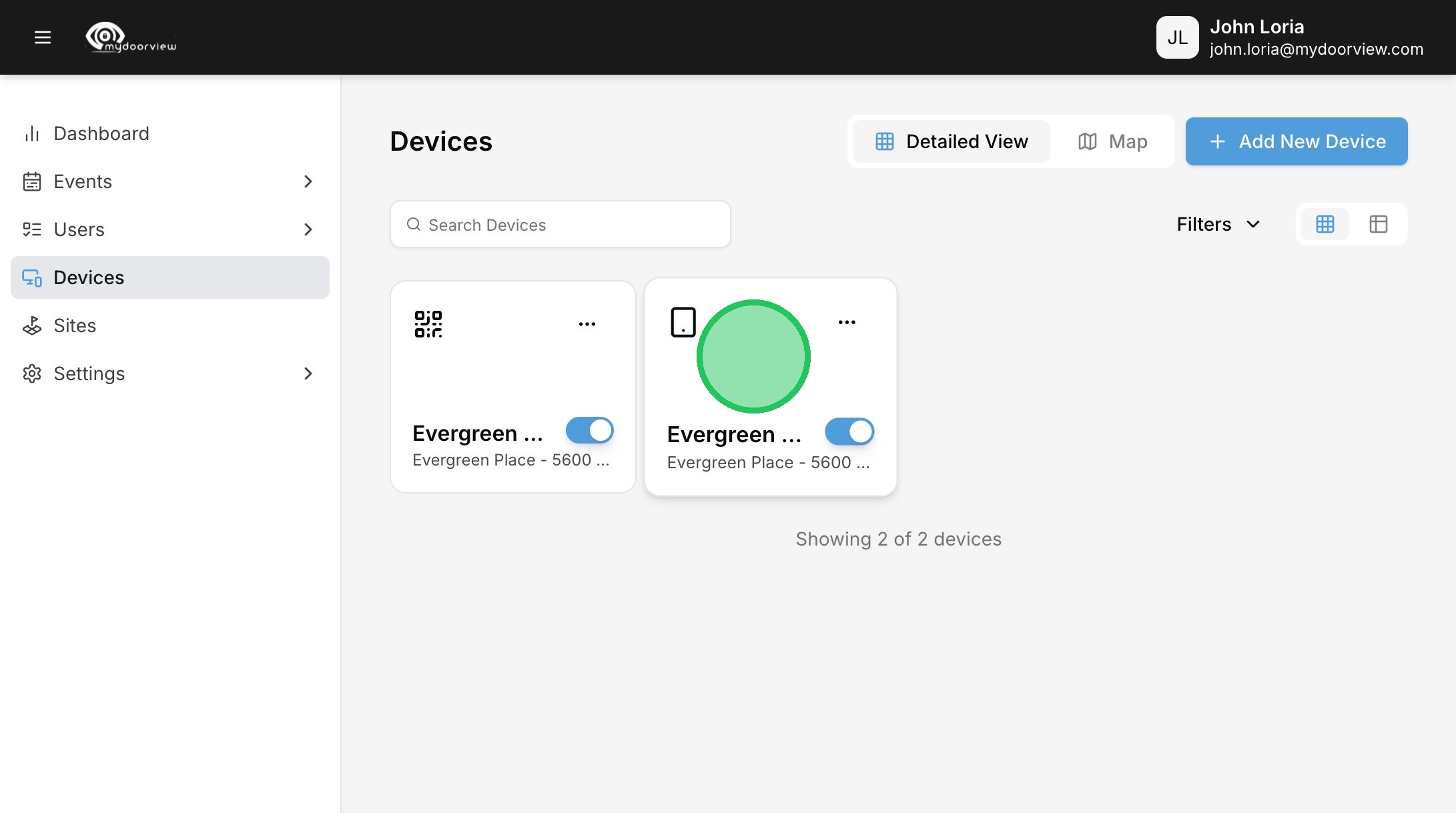
2. Click "Devices"
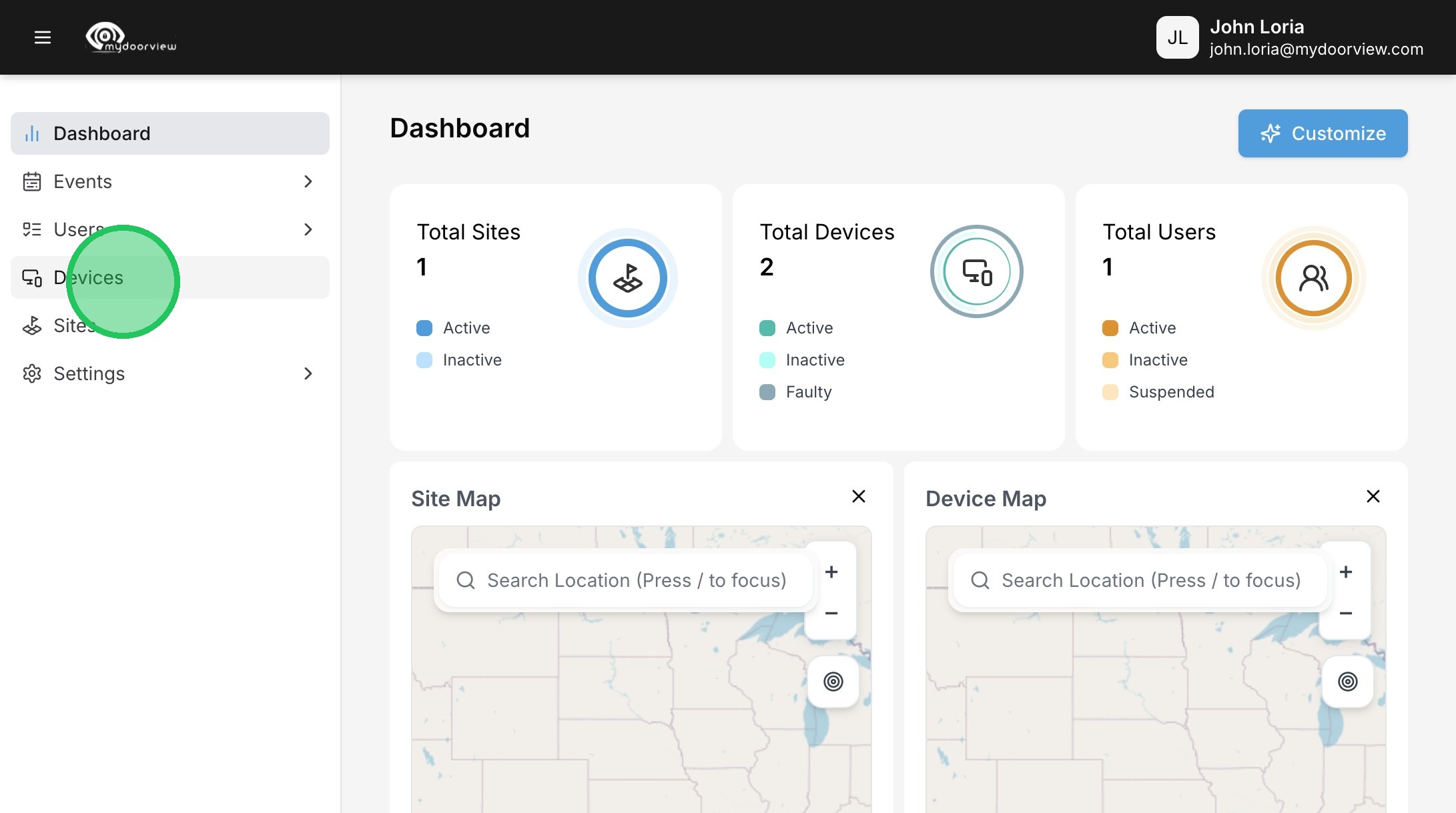
3. Click on the device set up in the portal. If device hasn't been set up yet, ensure the account, site, and device have been created in that order.
4. The license key for the device can be found here and entered into the panel when it provisions during startup.