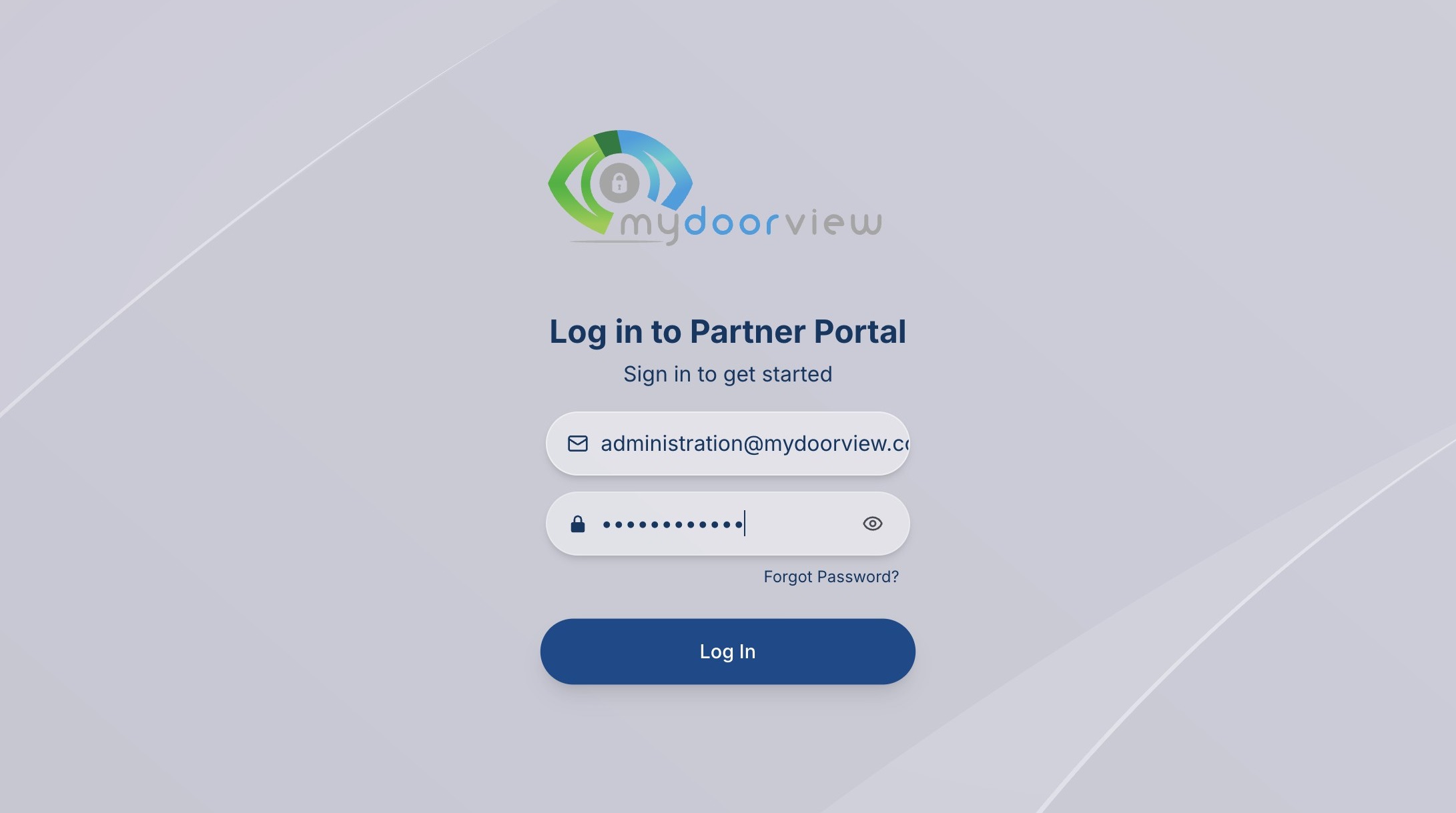
1. Navigate to https://partner.mydoorview.com/
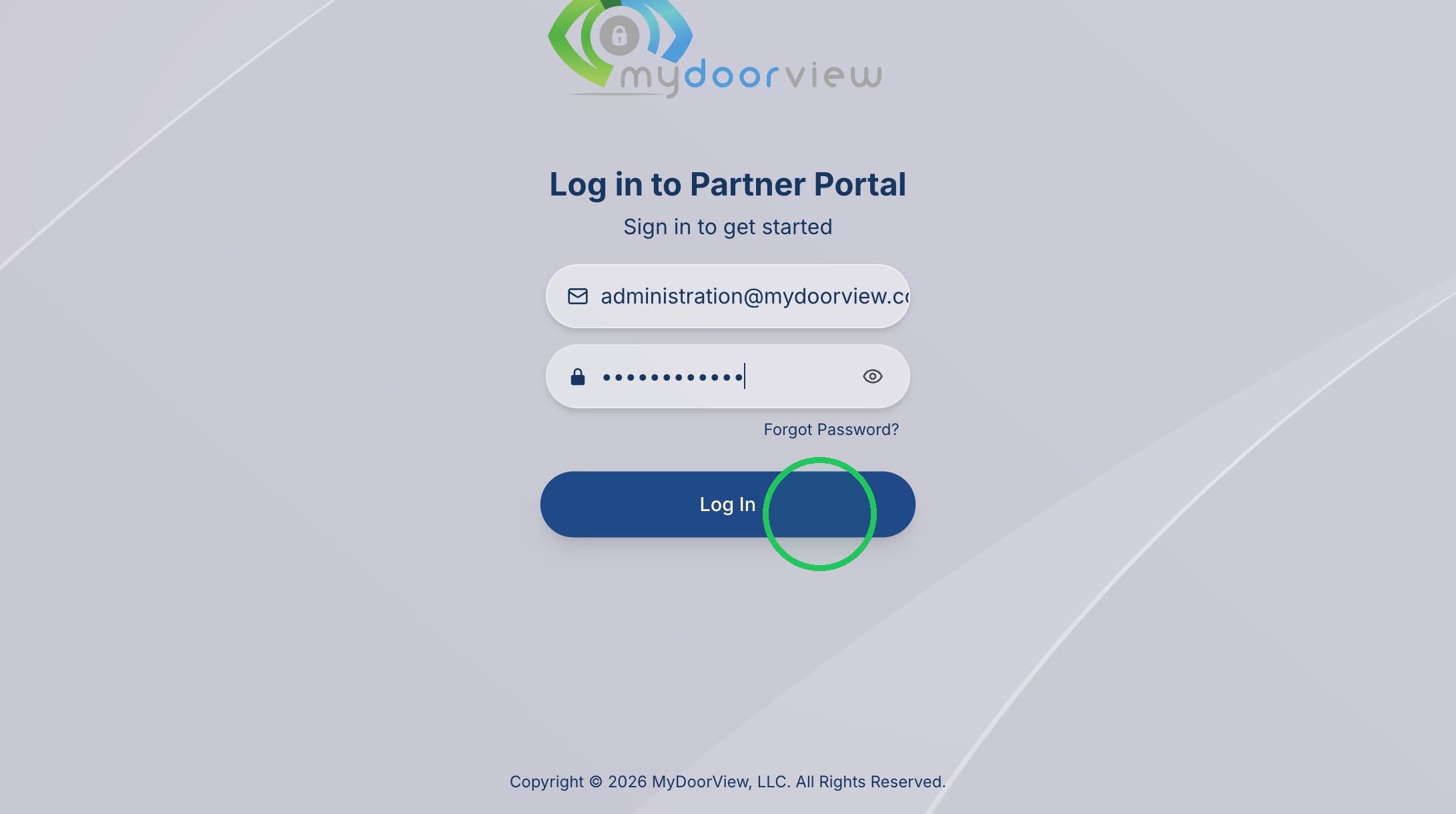
2. Click "Log In"
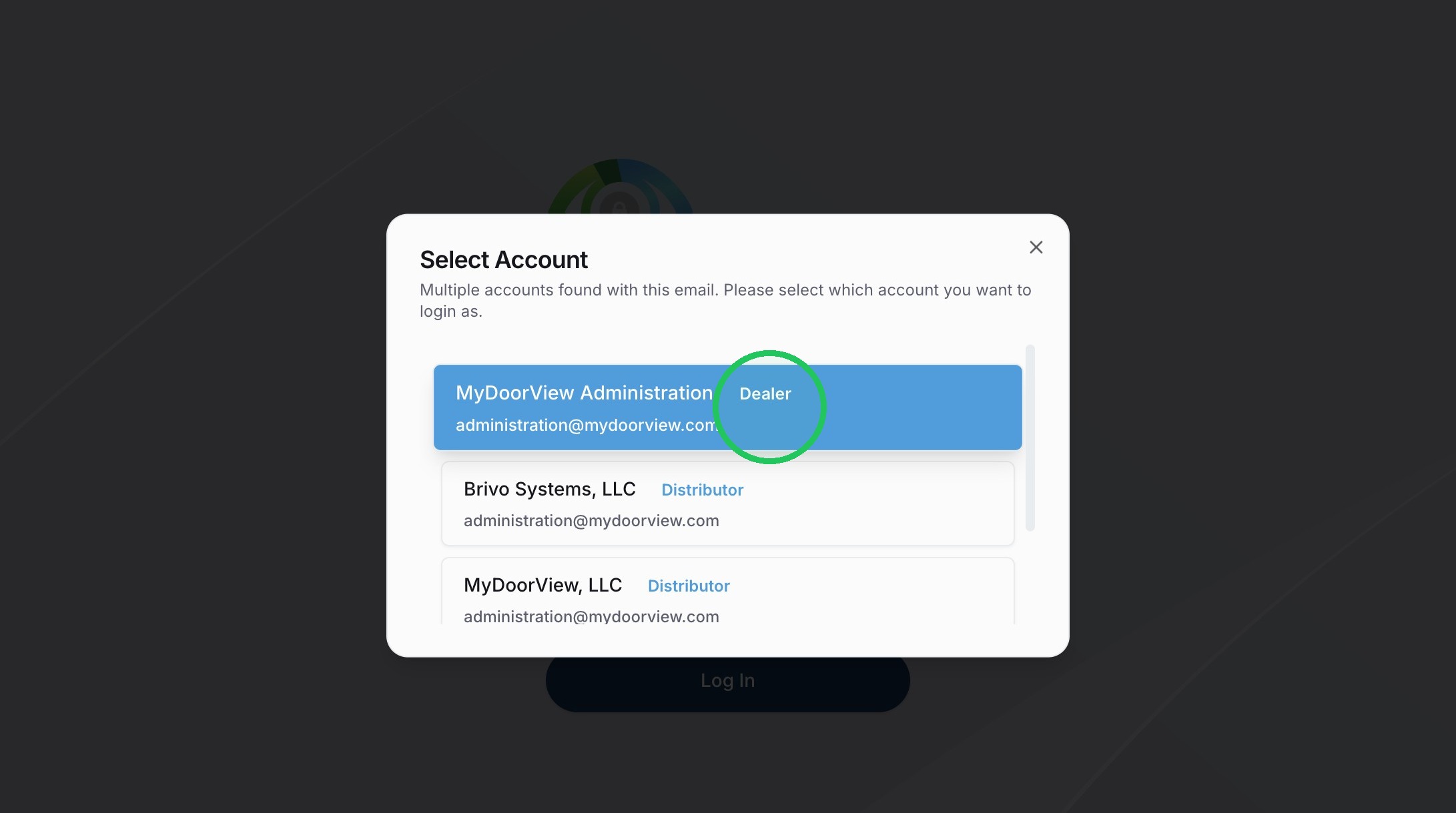
3. Select the Account
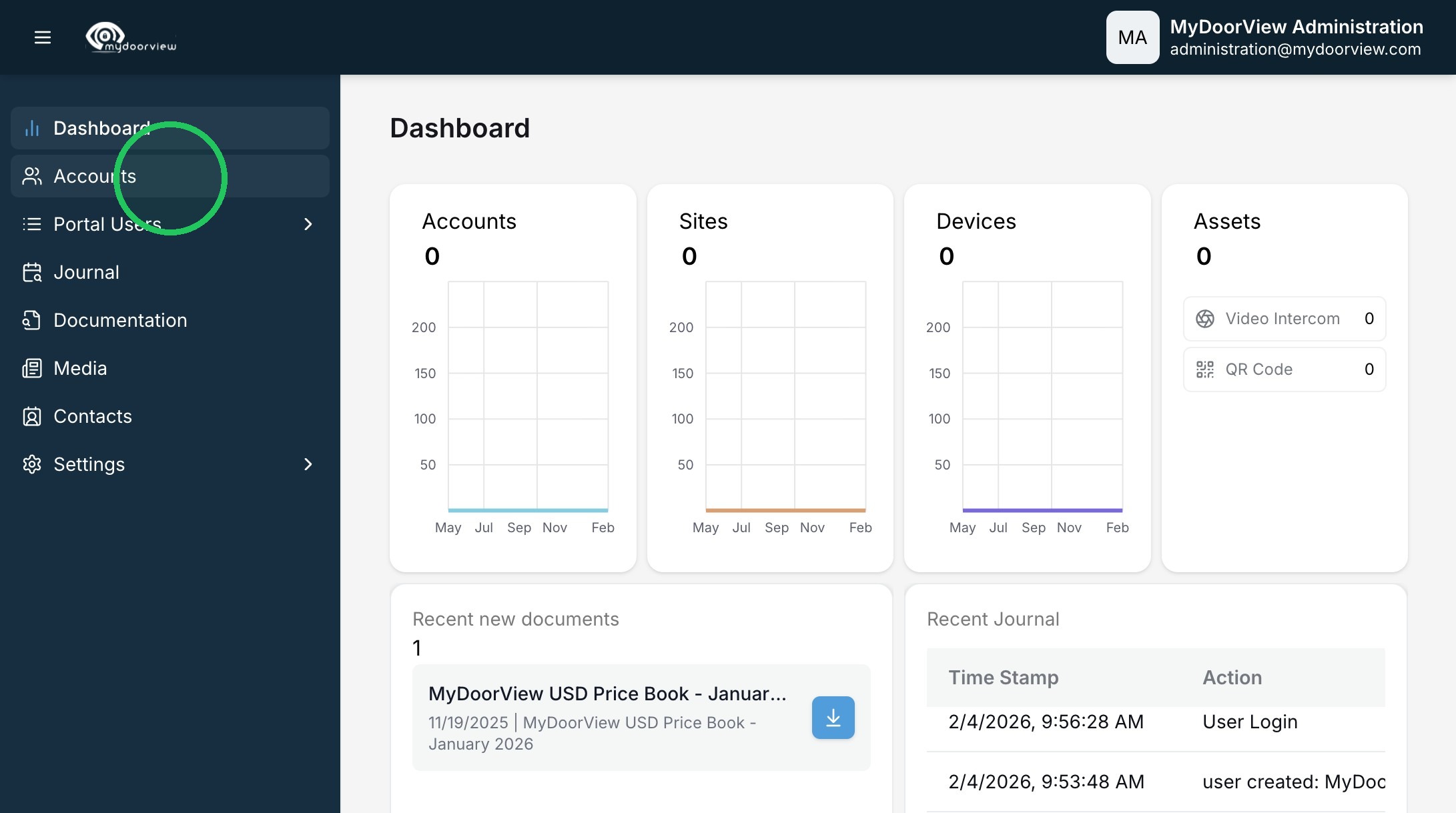
4. Click "Accounts"
5. Click the subscription you'd like to edit
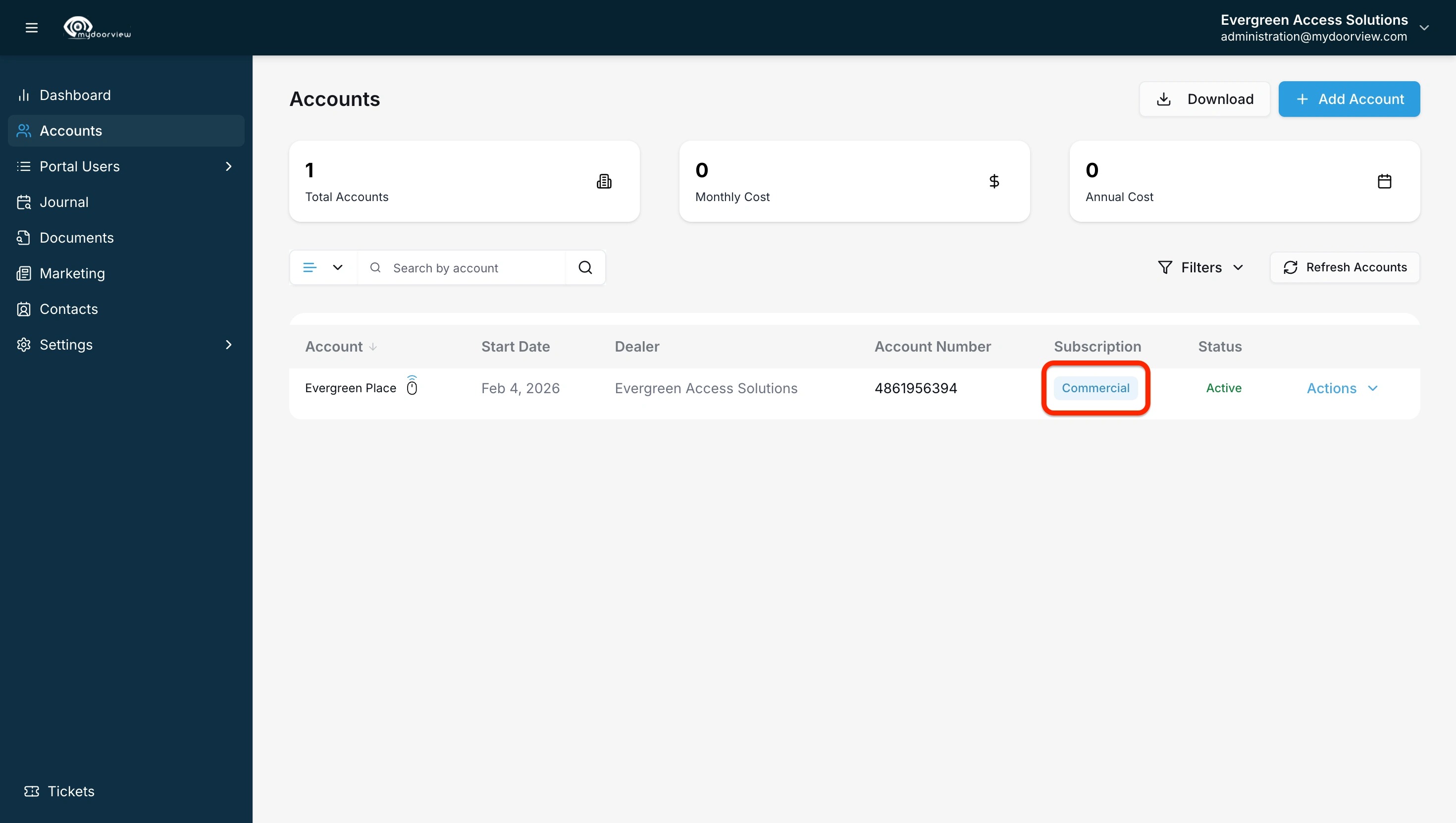
6. Select the appropriate edition as well as any desired add-ons for that edition

1. Navigate to https://partner.mydoorview.com/
2. Click "Log In"
3. Select the Account
4. Click "Accounts"
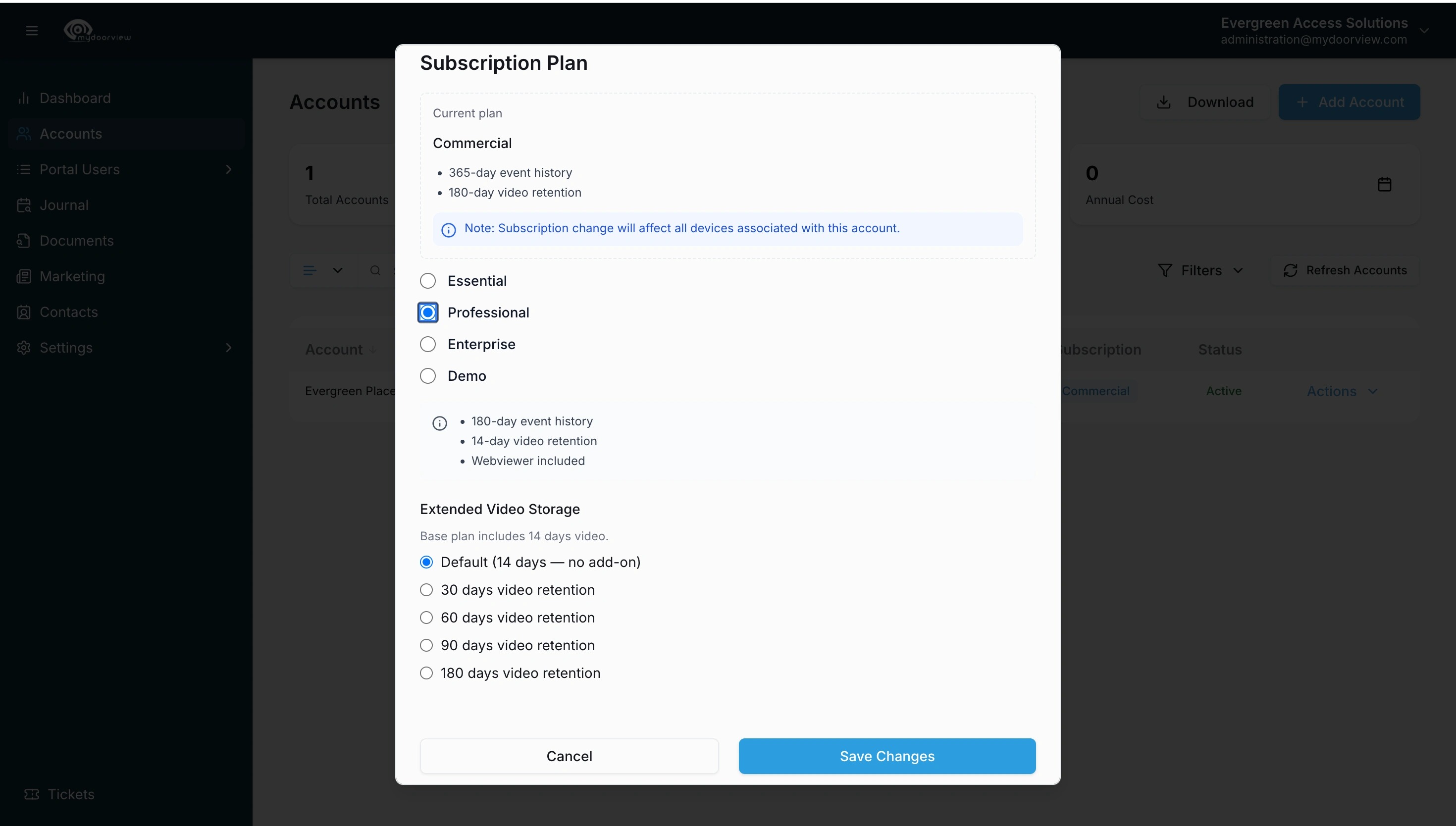
5. Click the subscription you'd like to edit
6. Select the appropriate edition as well as any desired add-ons for that edition