1. Navigate to https://partner.mydoorview.com/
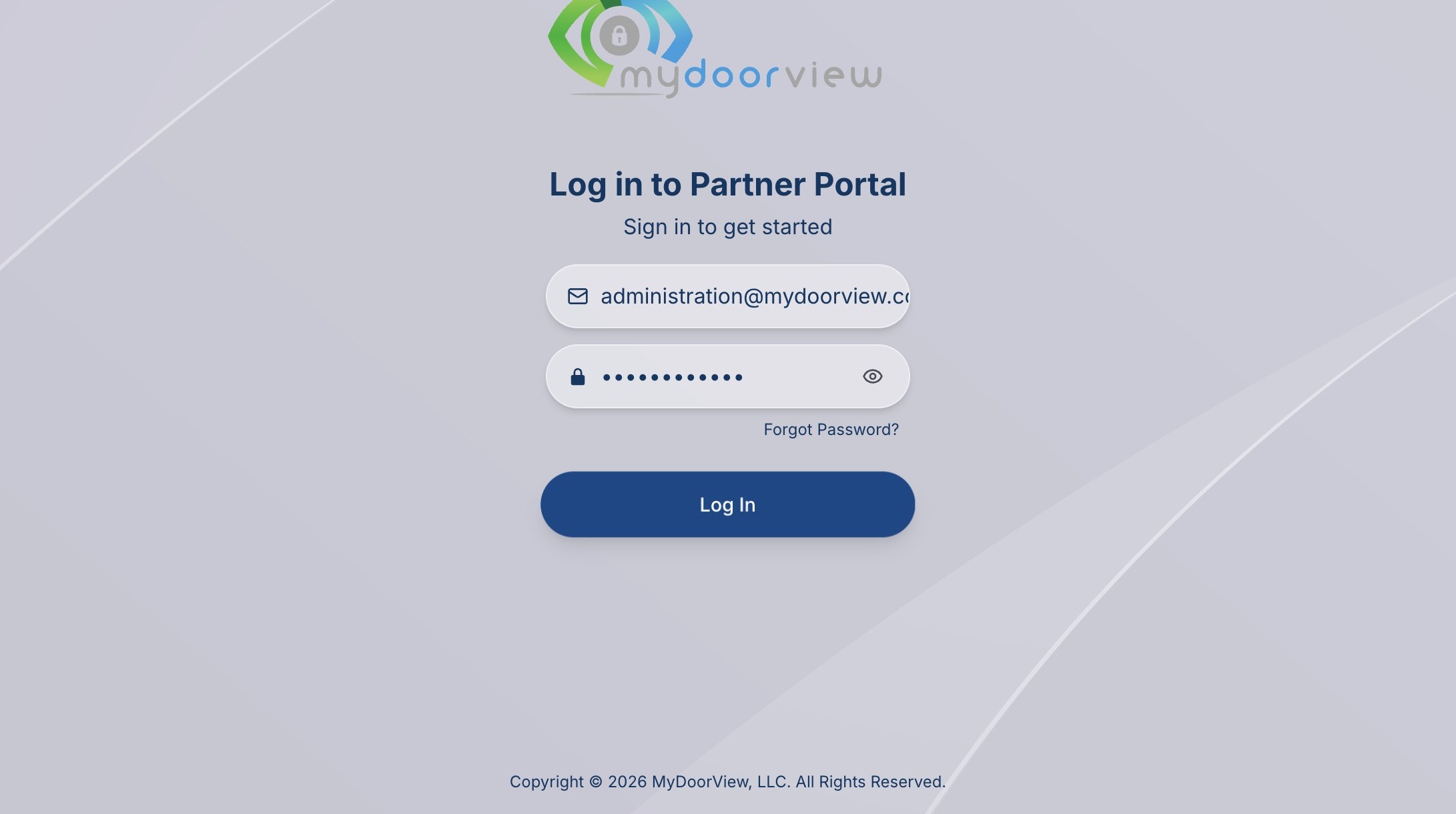
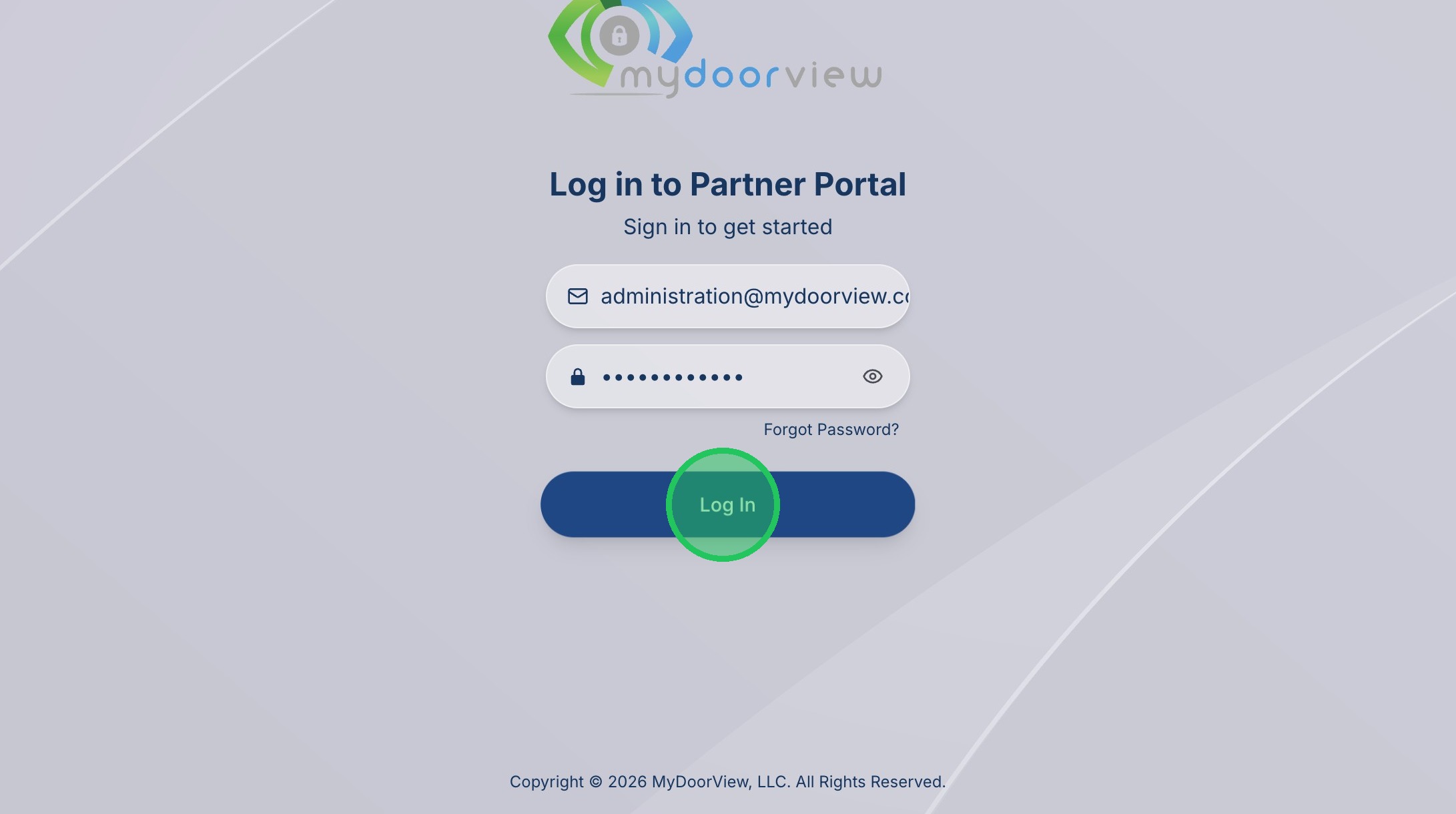
2. Click "Log In"
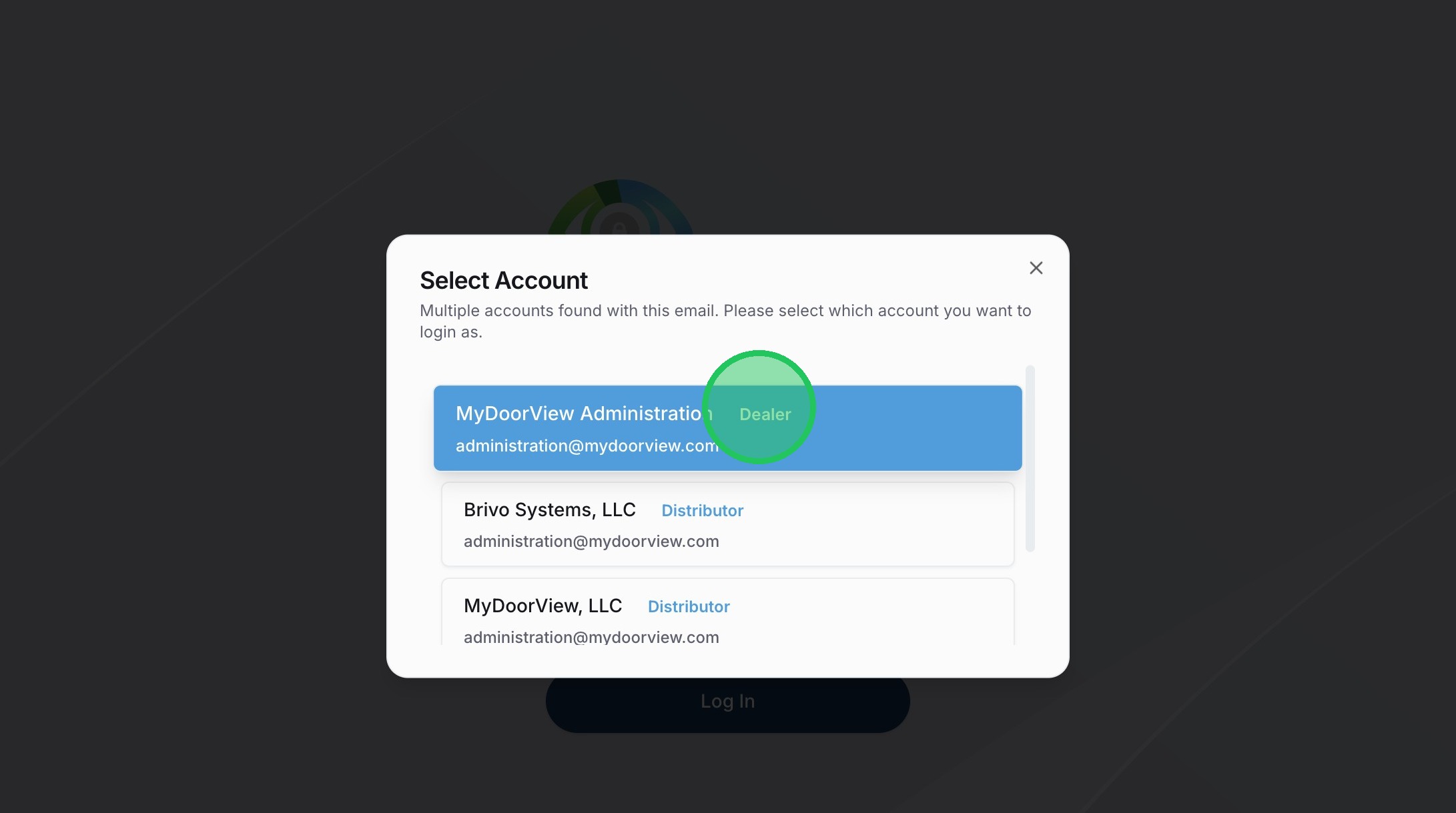
3. Click your Dealer Account (if applicable)
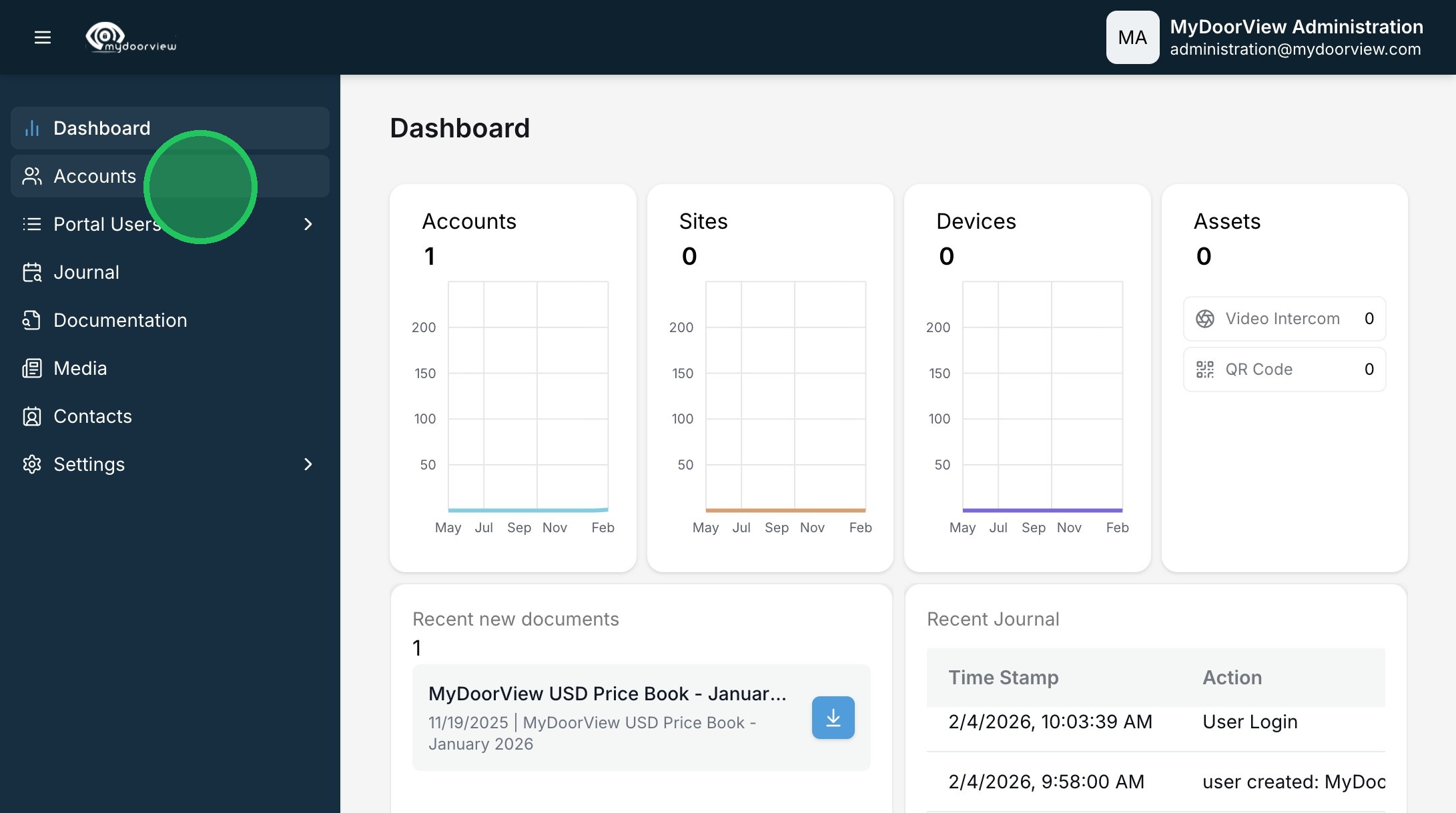
4. Click "Accounts"
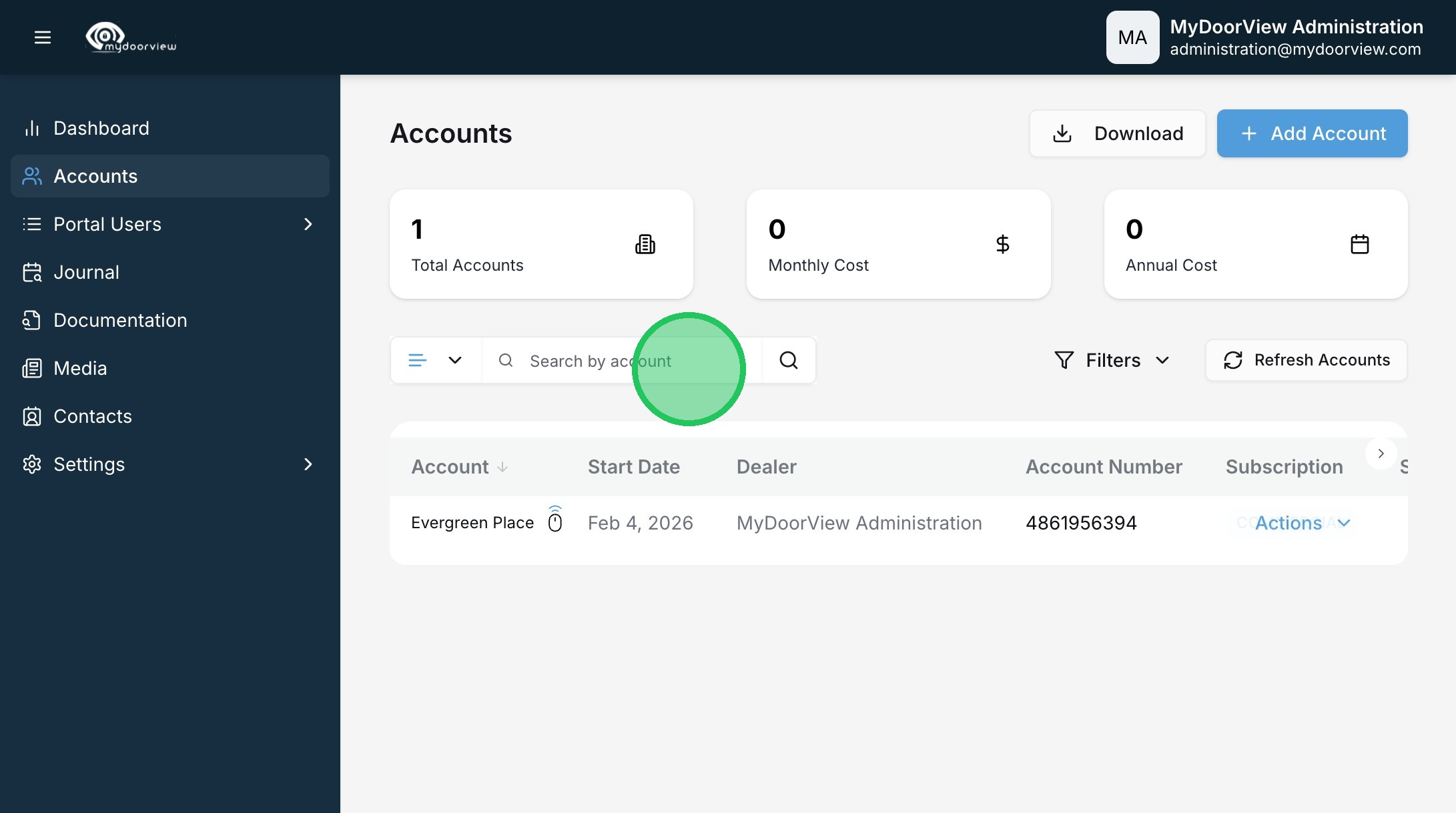
5. Click the "Search by account" field to search for the account
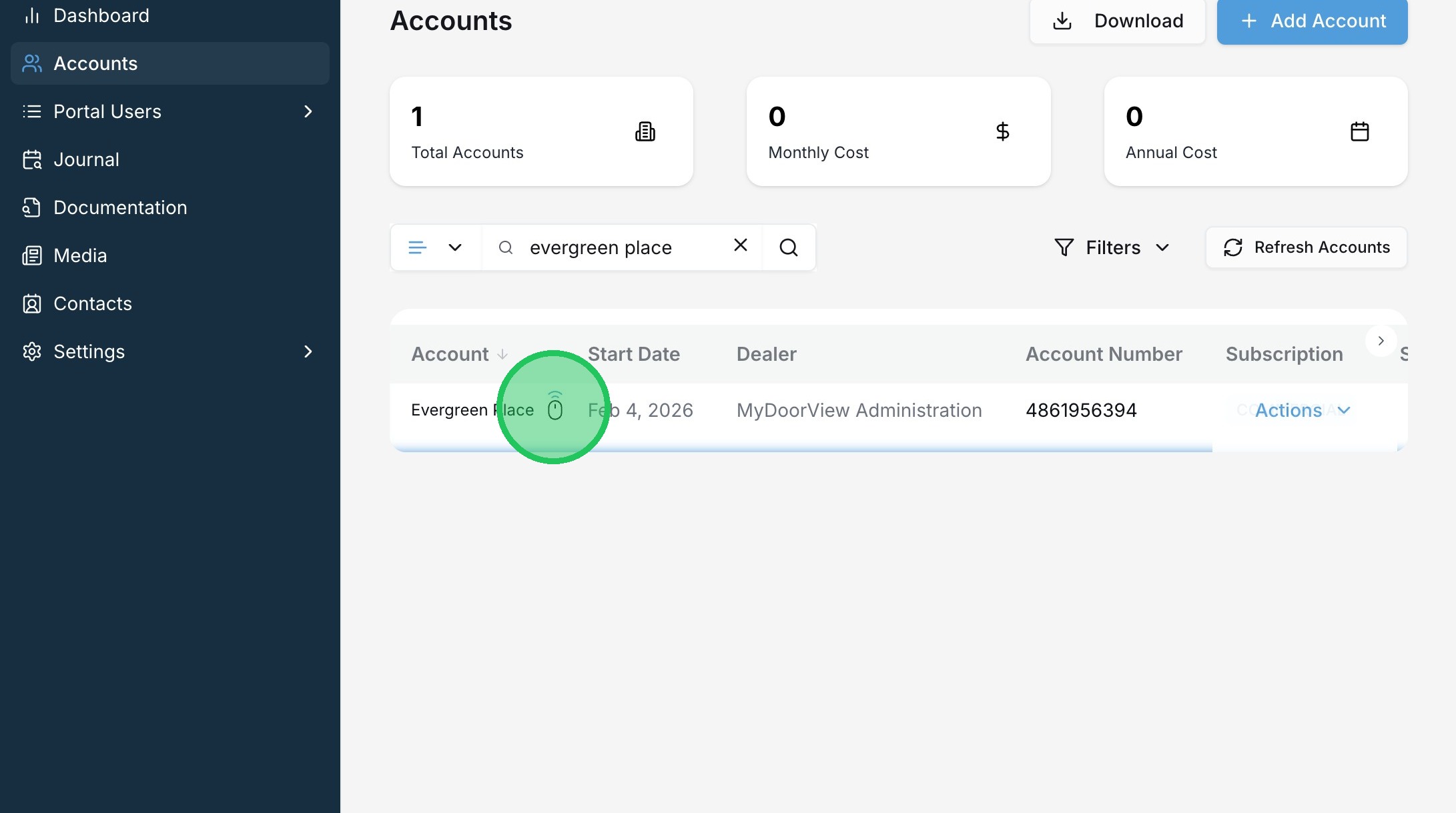
6. Click the remote access icon.
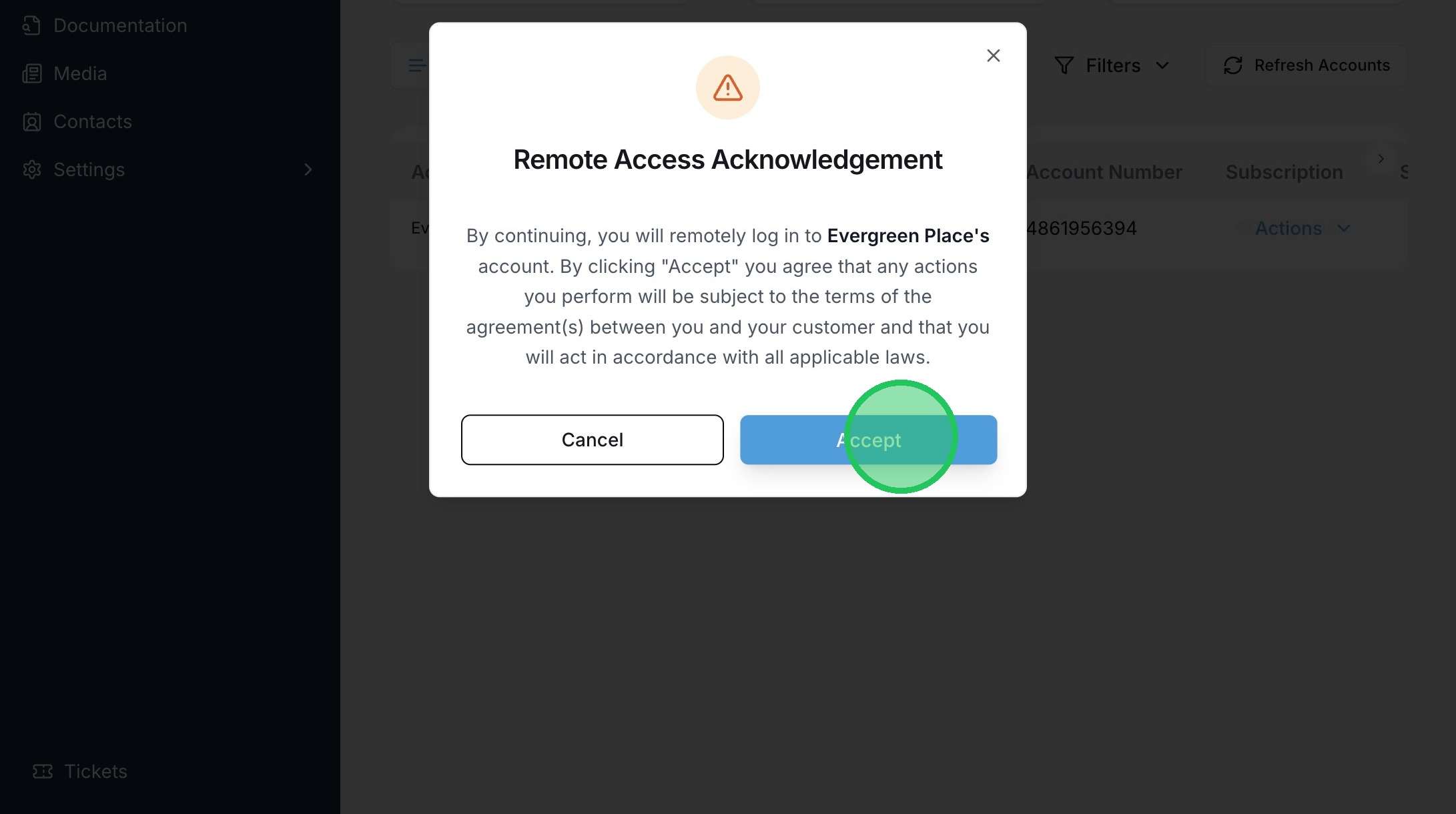
7. Click "Accept"

2. Click "Log In"
3. Click your Dealer Account (if applicable)
4. Click "Accounts"
5. Click the "Search by account" field to search for the account
6. Click the remote access icon.
7. Click "Accept"