
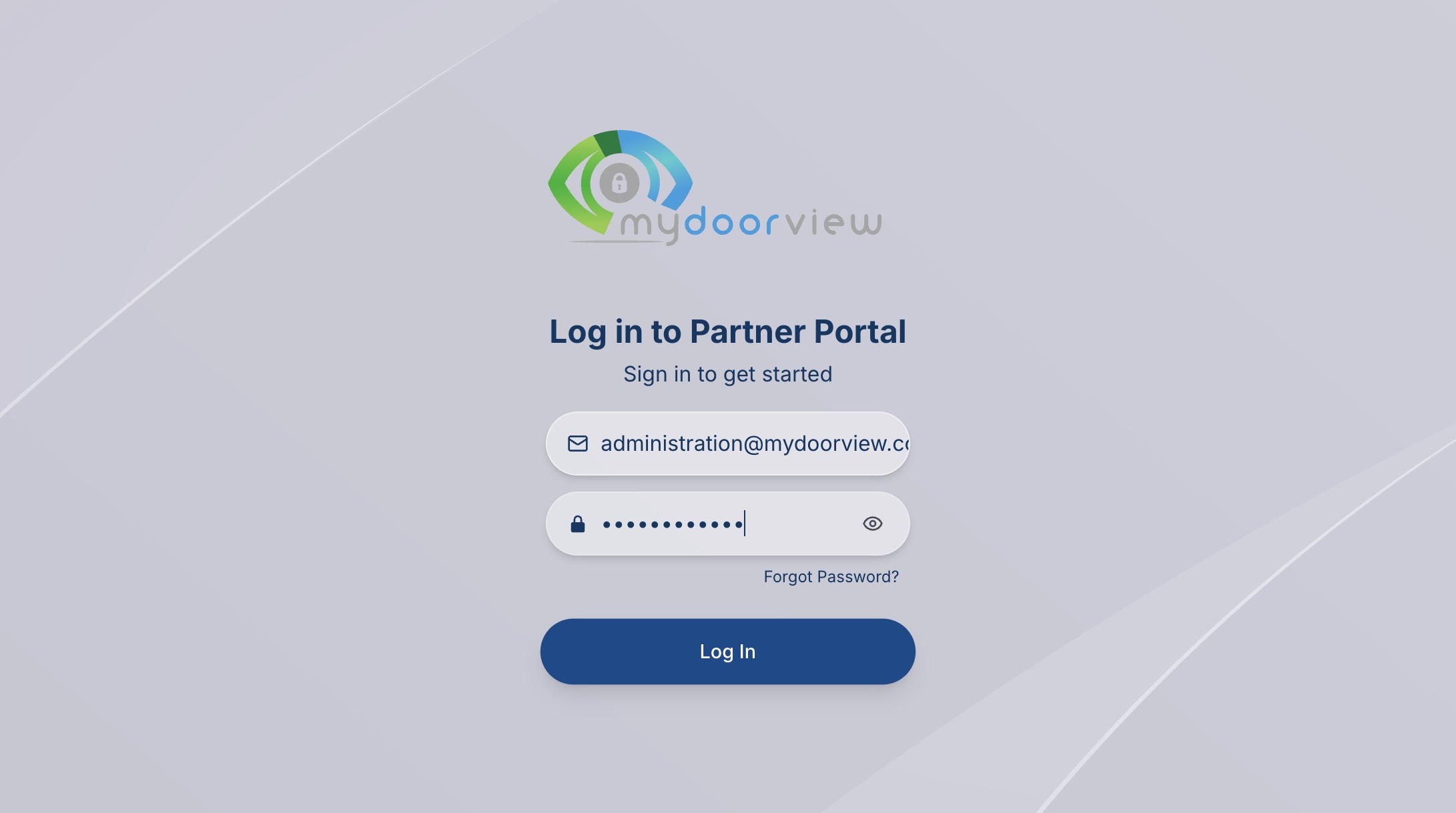
1. Navigate to https://partner.mydoorview.com/
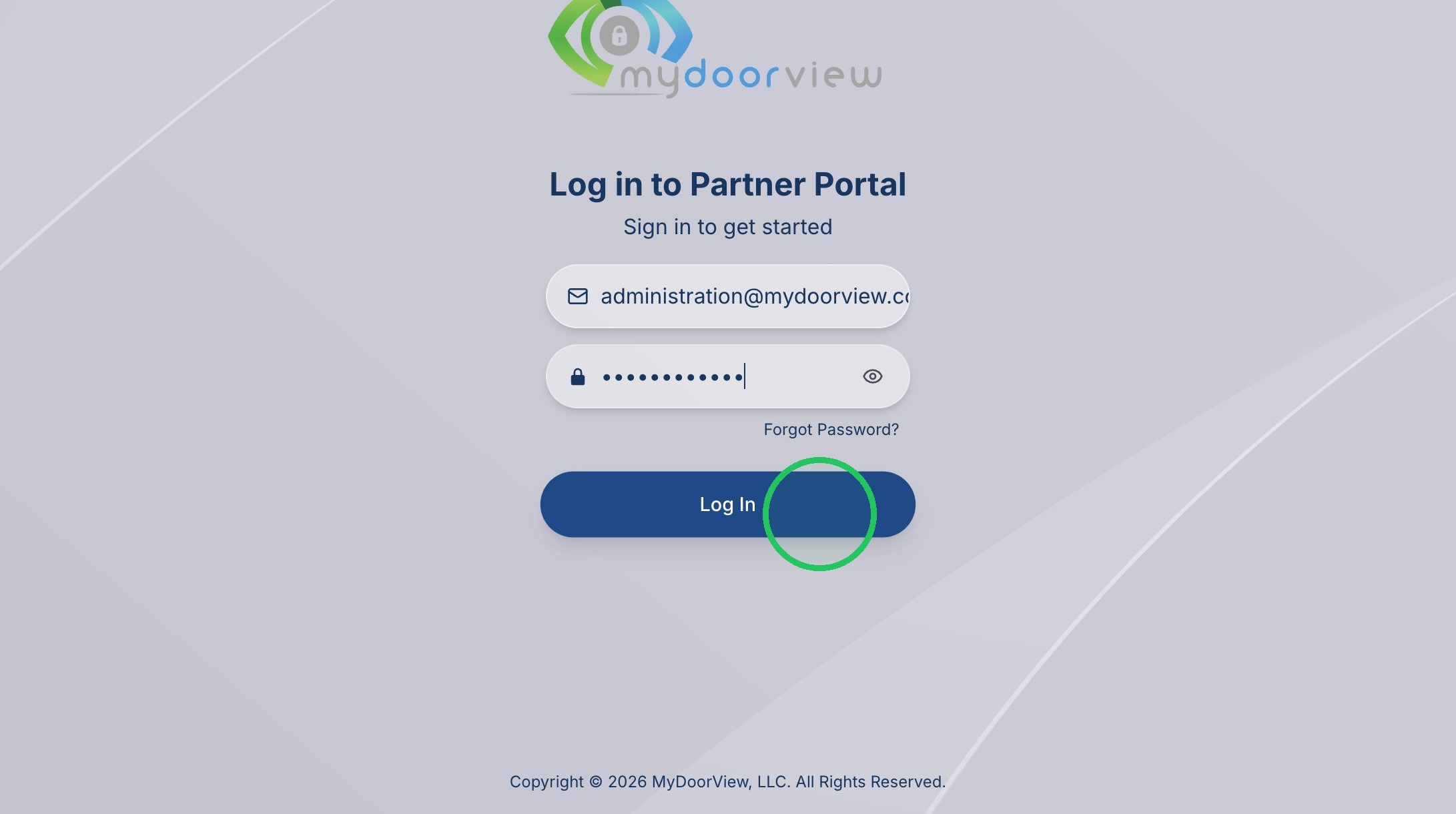
2. Click "Log In"
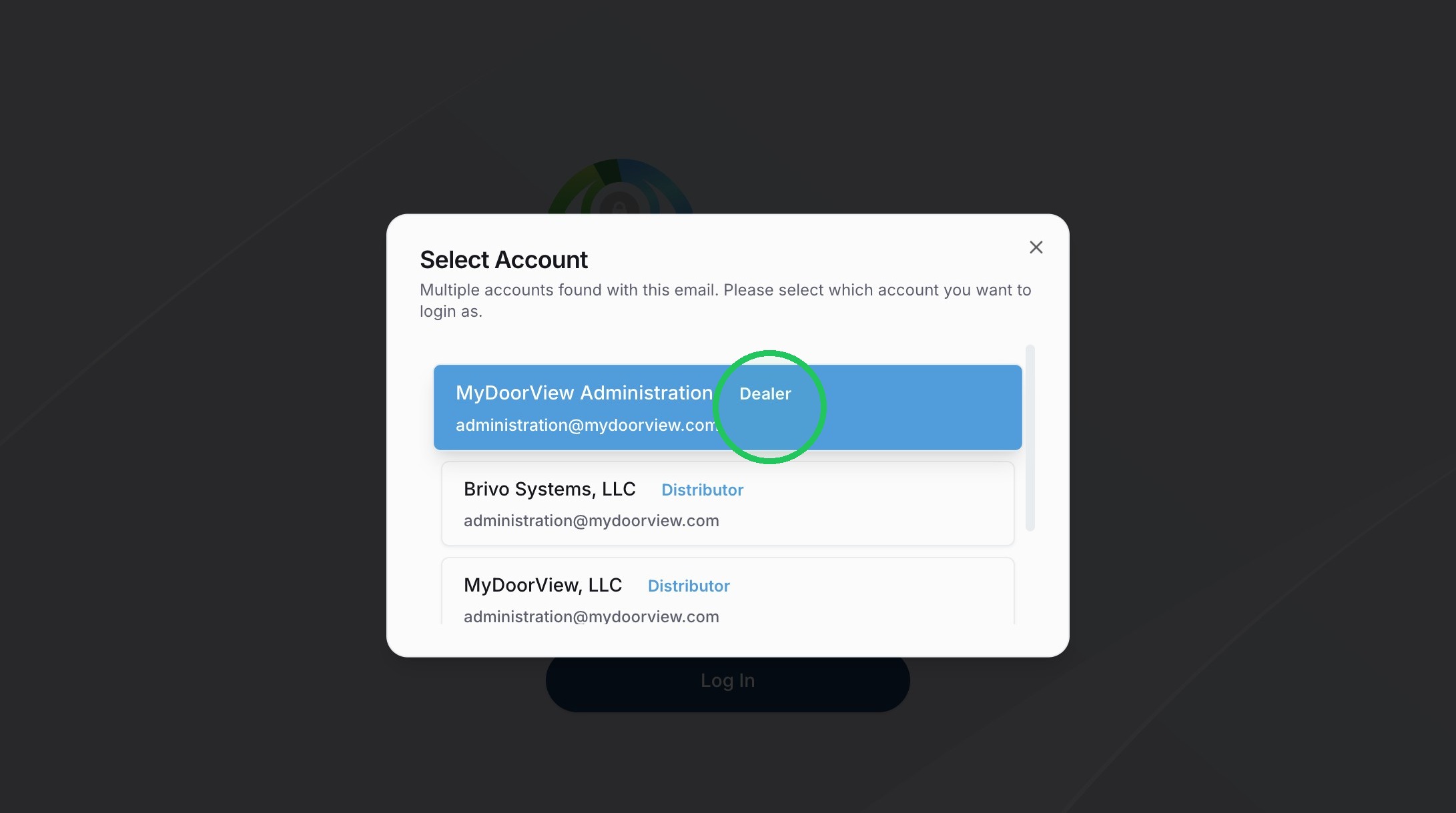
3. Select the Account
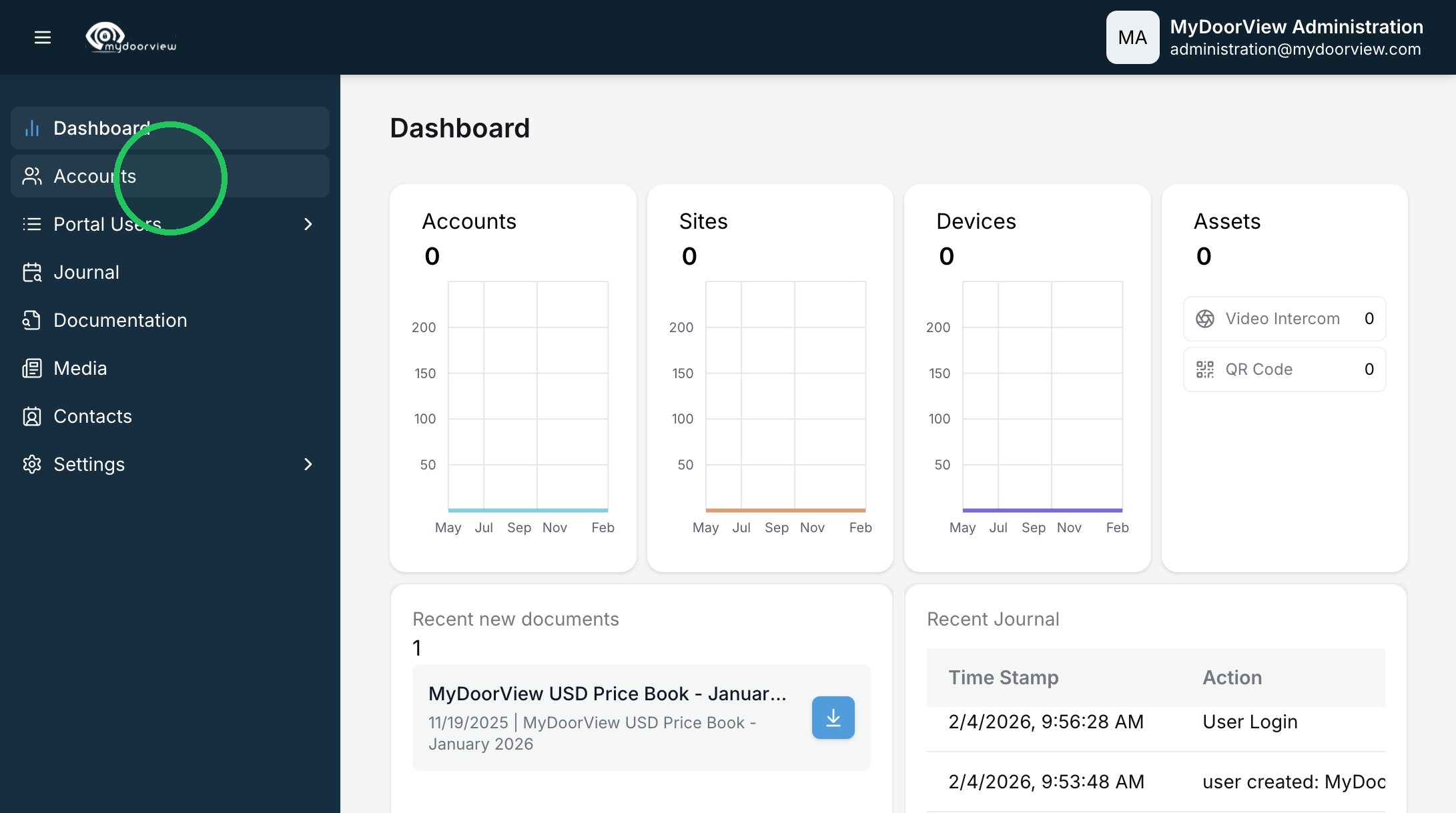
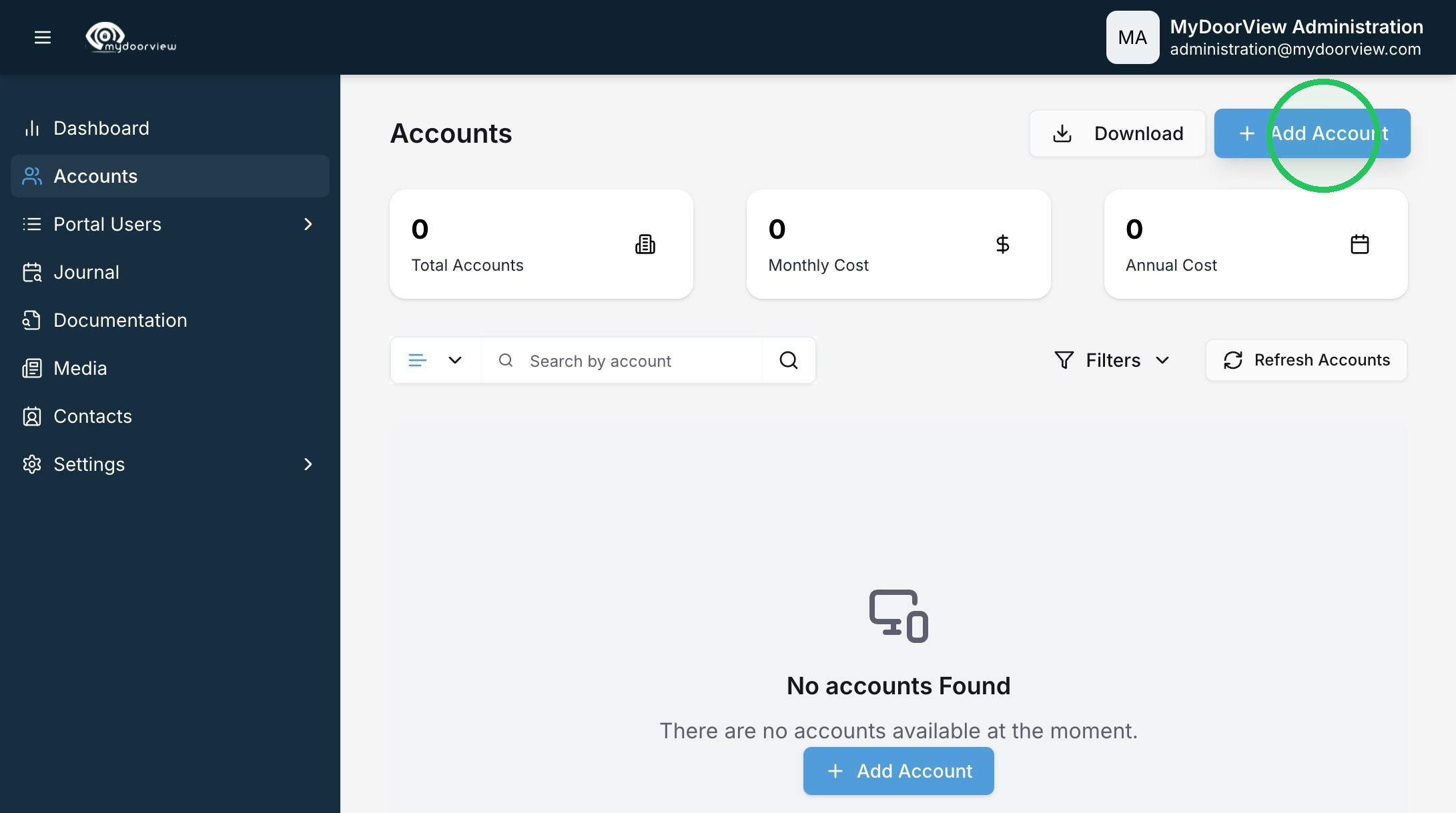
4. Click "Accounts"
5. Click "Add Account"
6. Designate the appropriate Account Owner. This is typically the property manager that will manage the account.
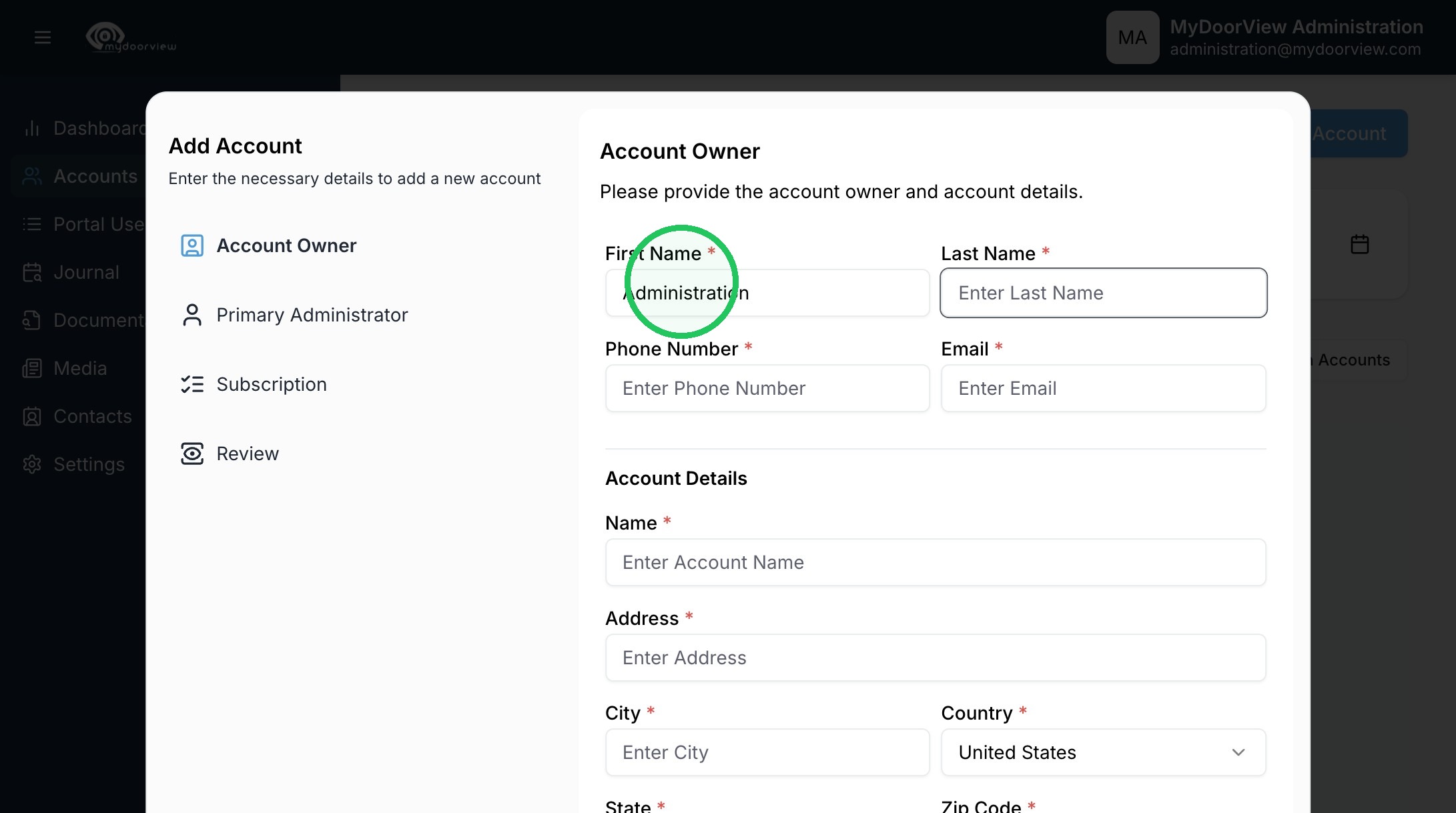
7. Designate the Account Owner. This is typically the property manager that will manage the account. If this is an early stage project, you can designate it as an account manager from the dealer company and change the primary admin at a later time.
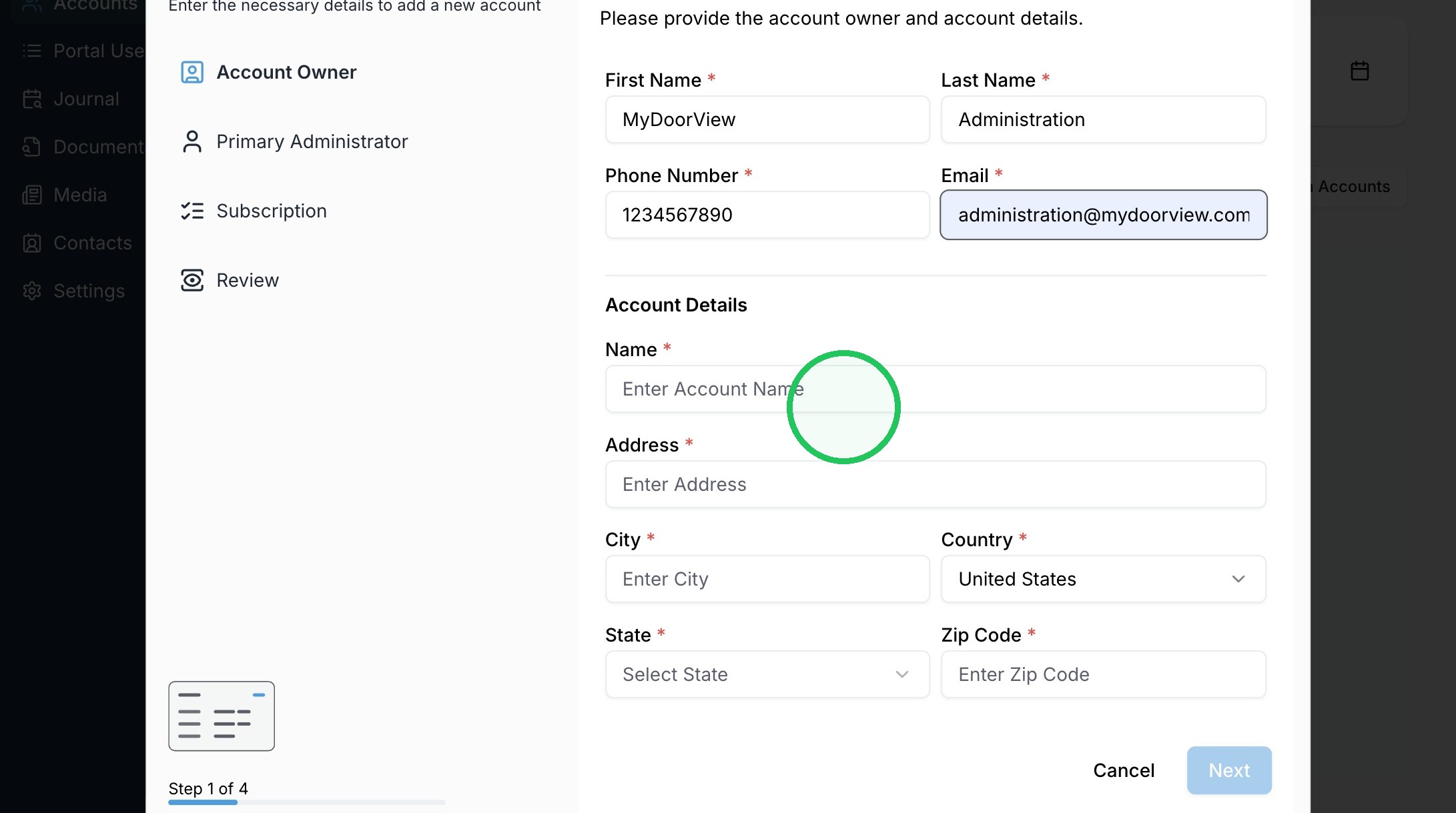
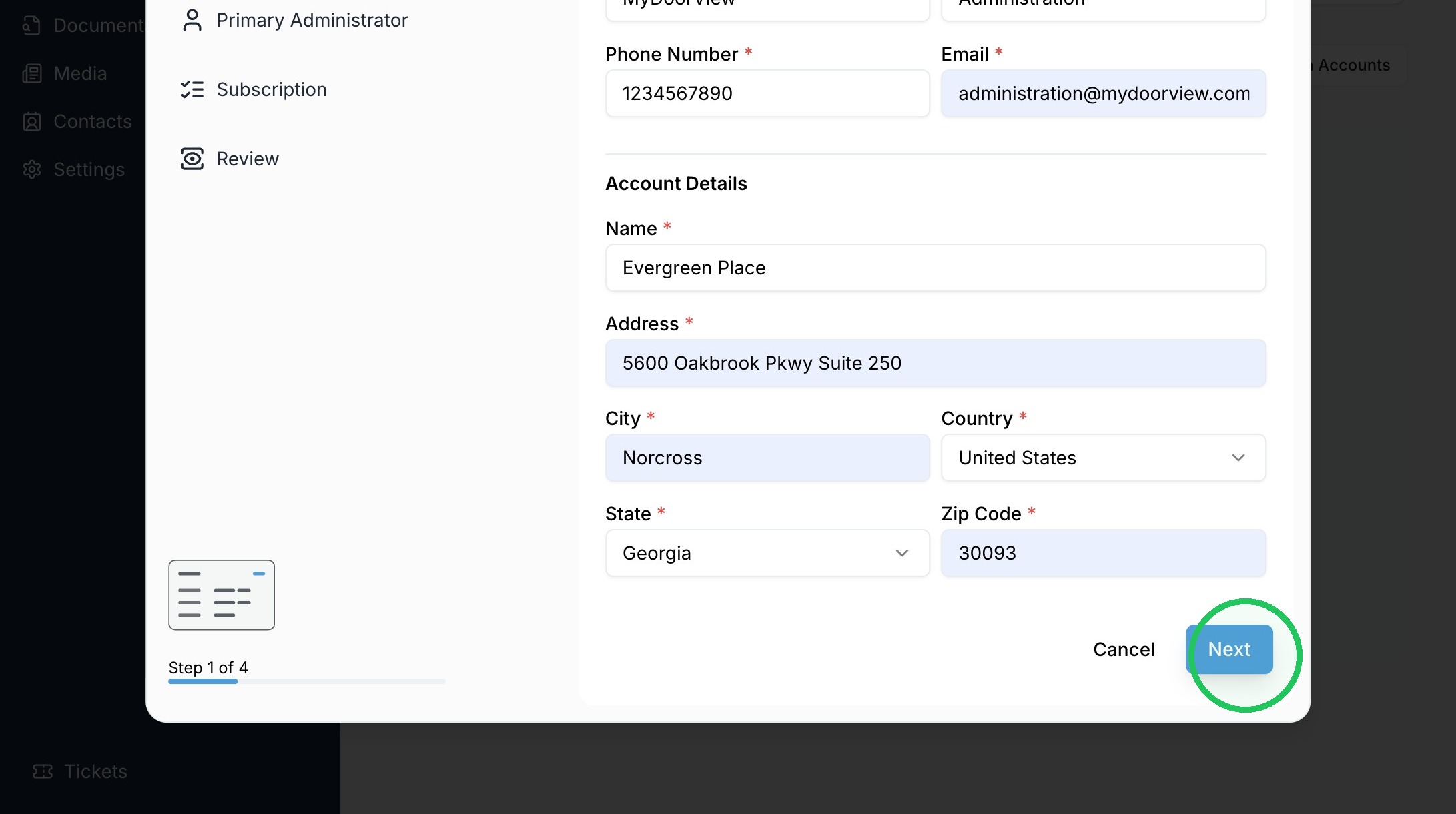
8. Fill out the Account Details
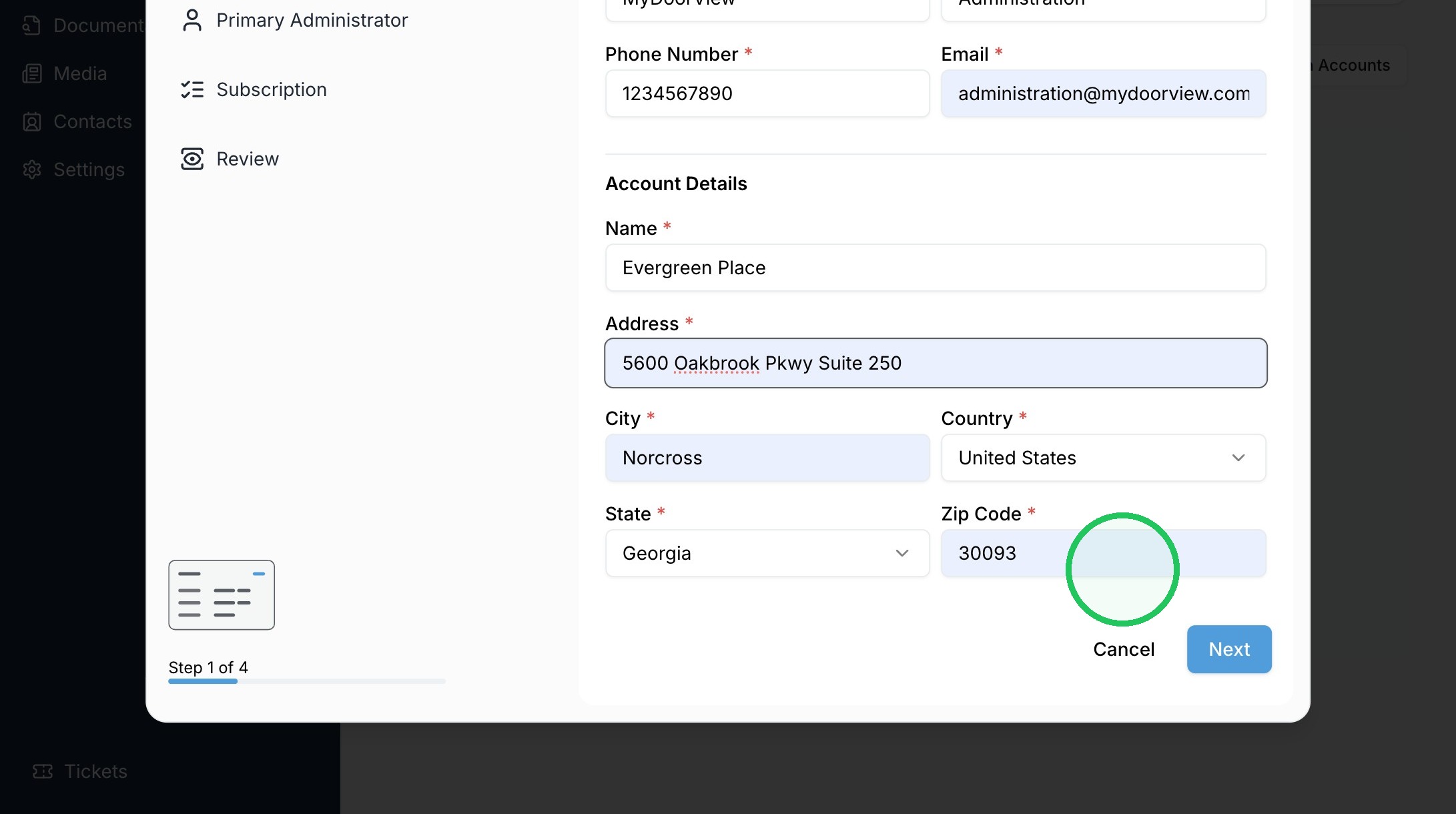
9. Click "Next"
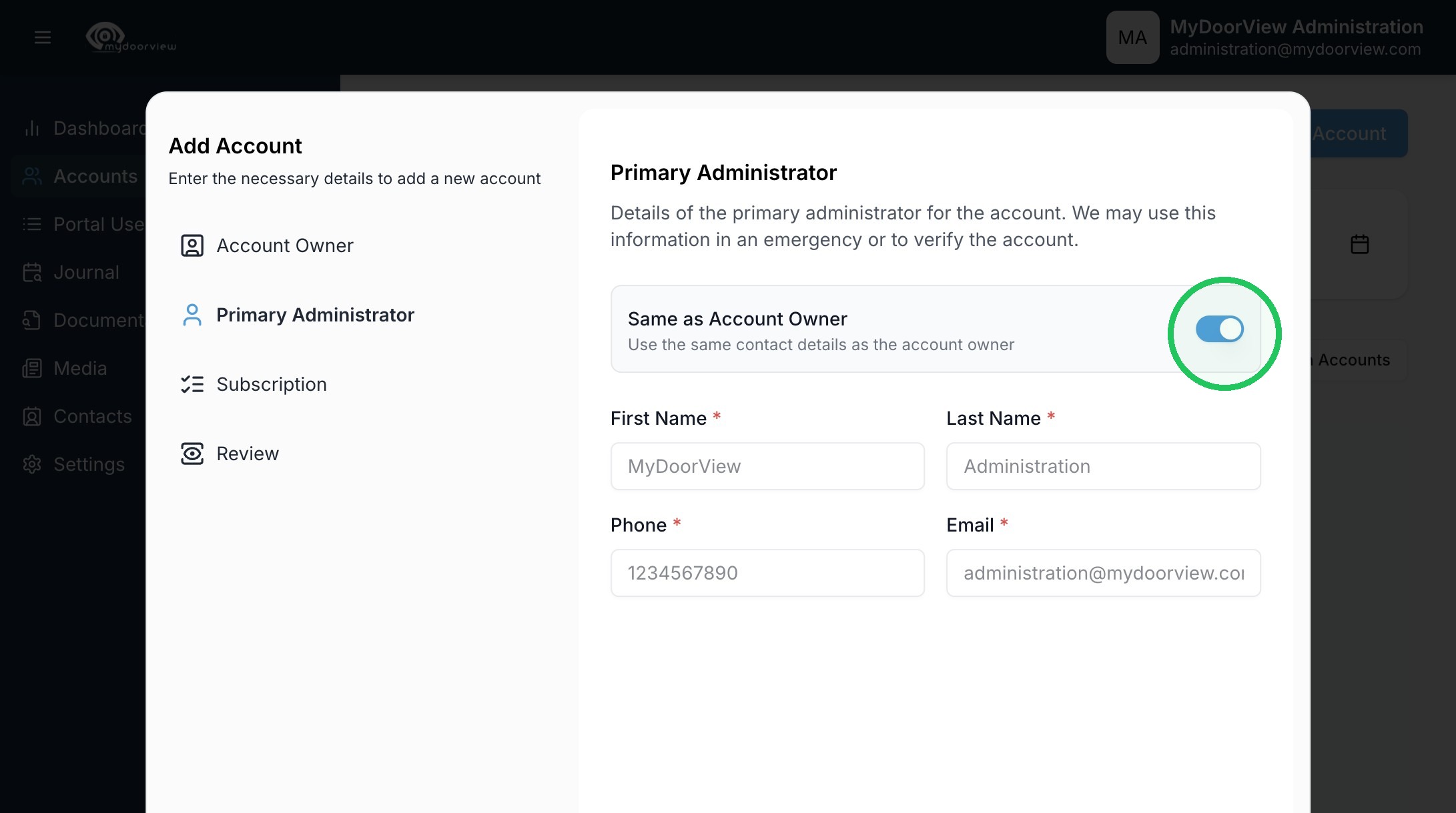
10. Set a unique Primary Administrator, or leave it the same as the Account Owner
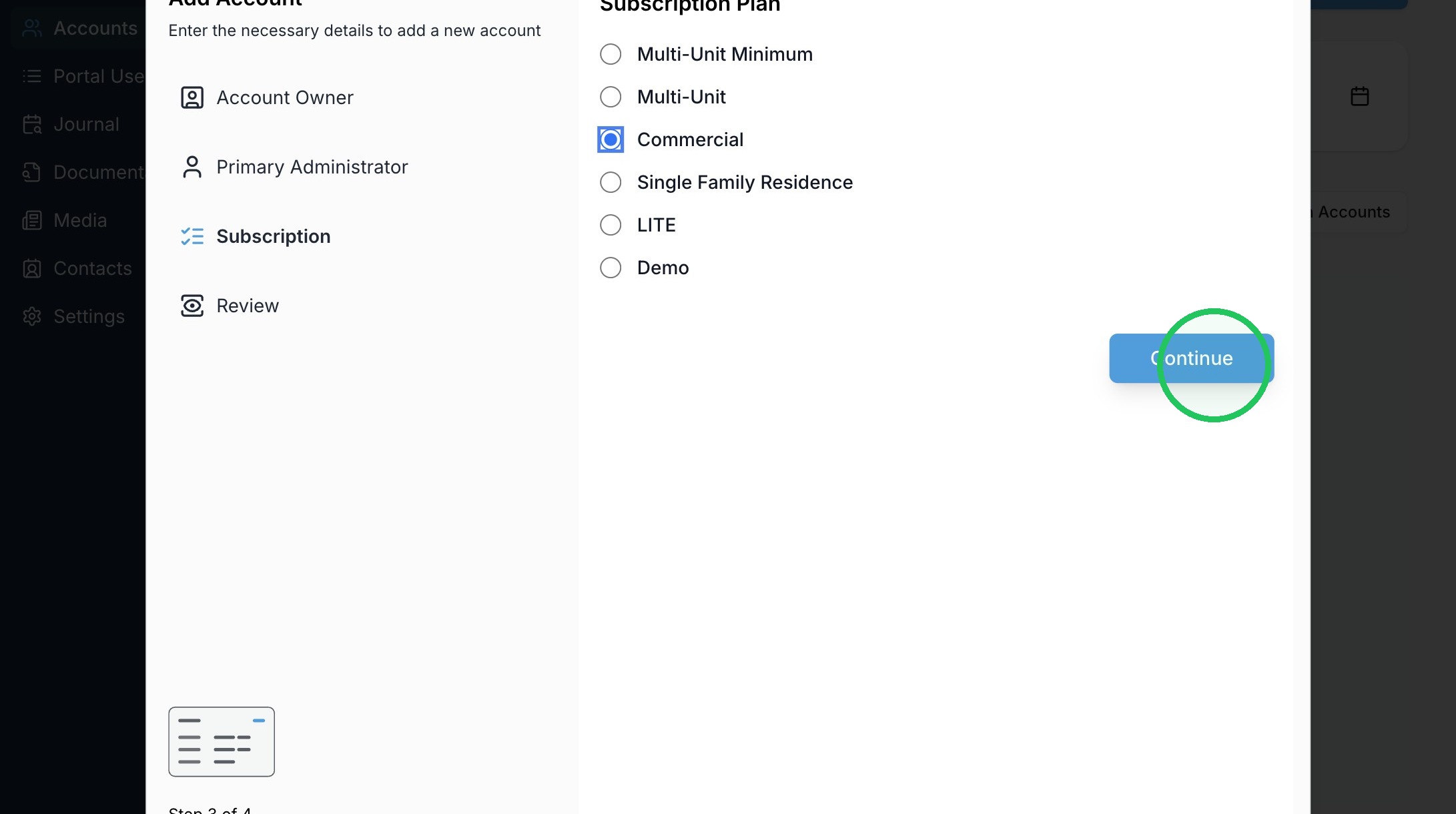
11. Select a Subscription Plan and click "Continue"
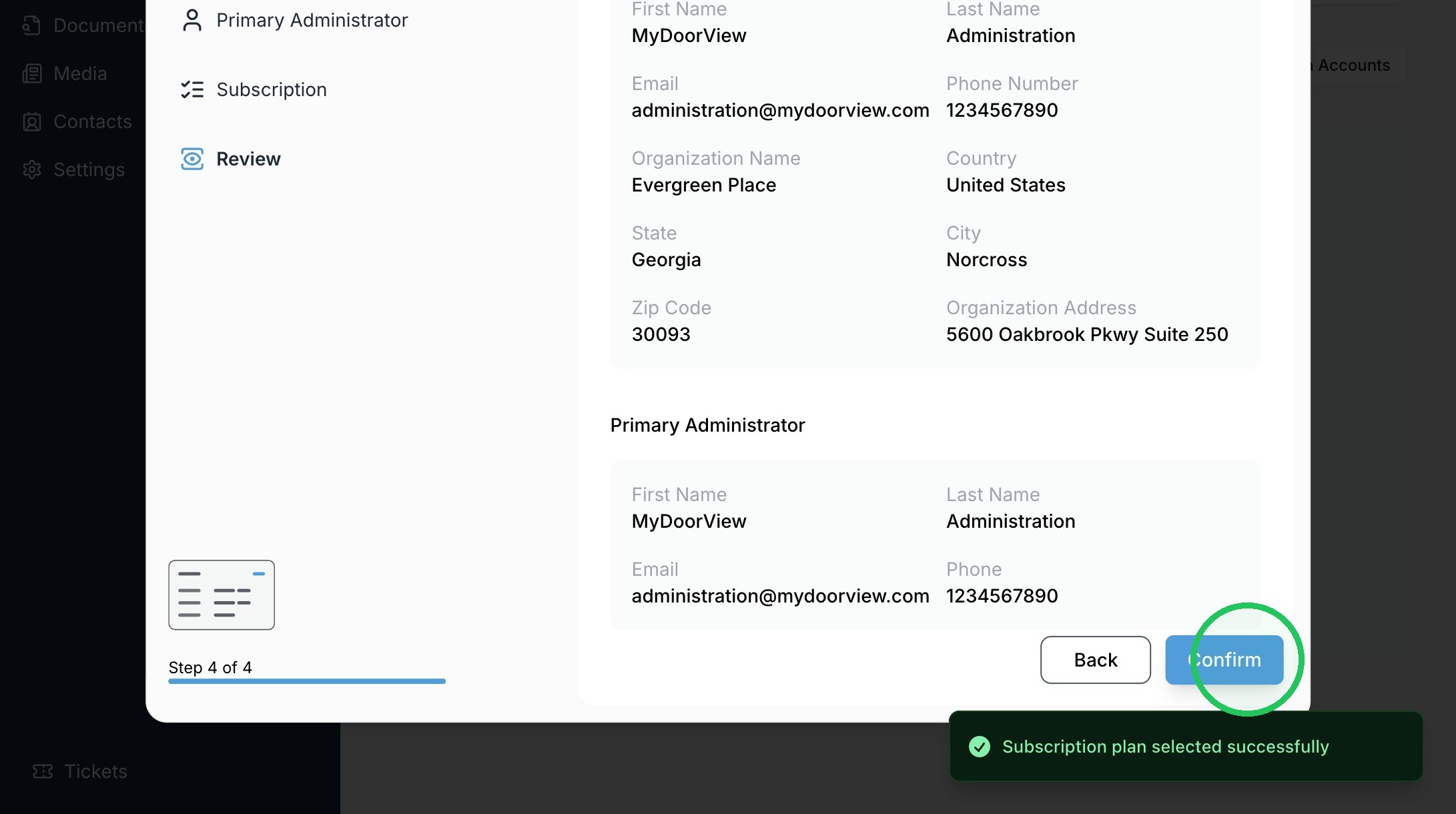
12. Click "Confirm"
Made with Scribe