1. Navigate to https://account.mydoorview.com . Enter credentials and select the account to login.
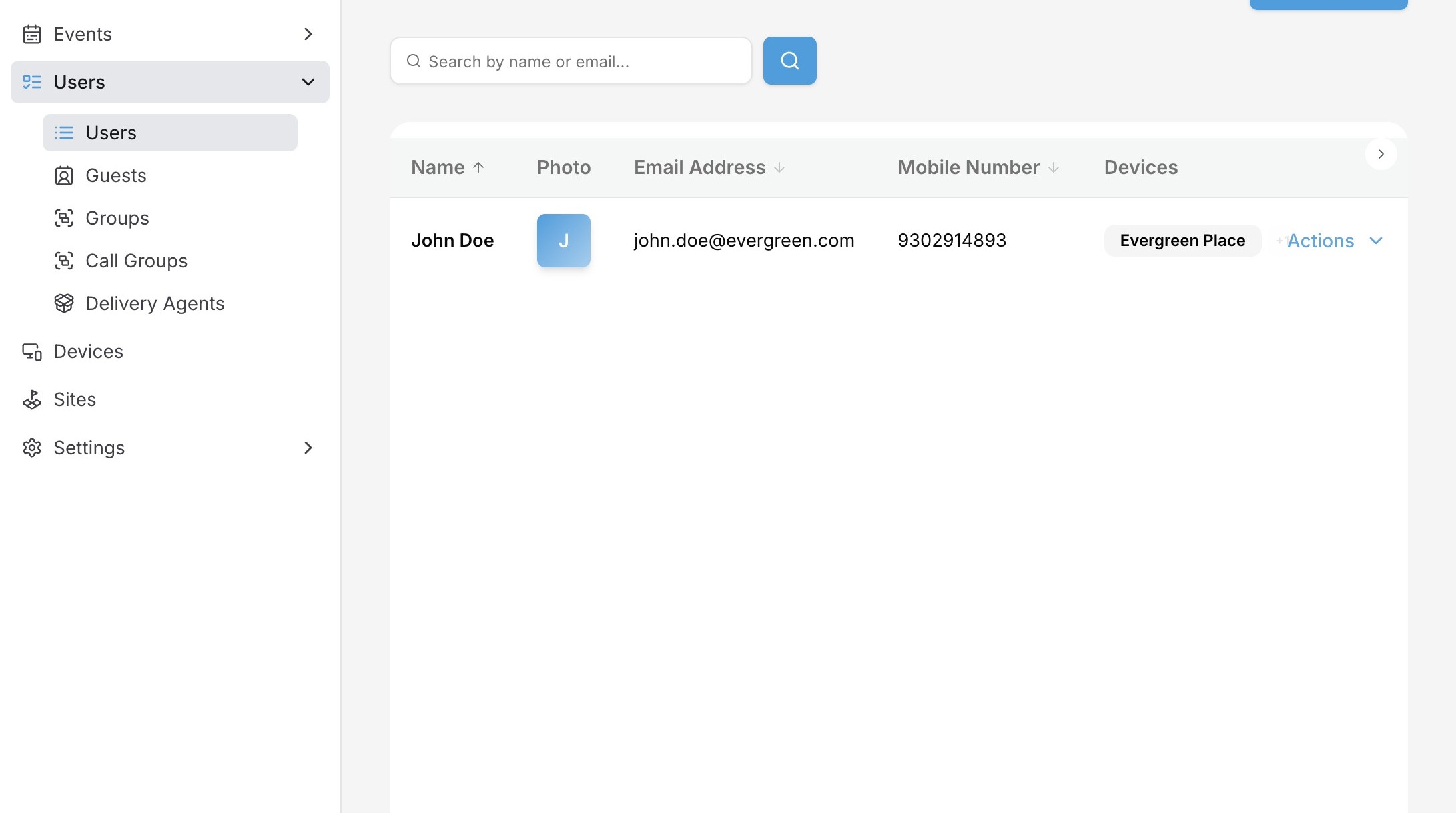
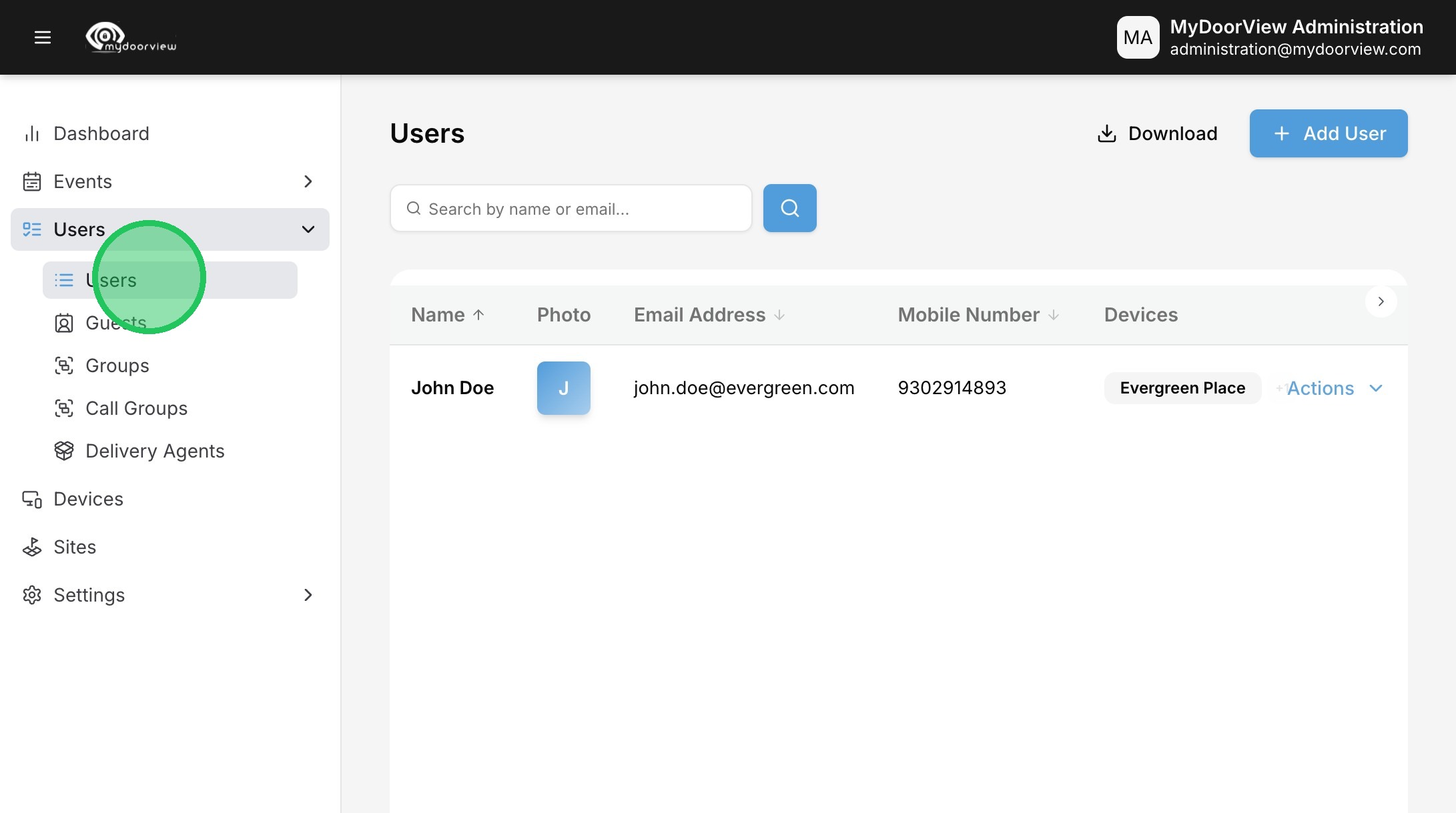
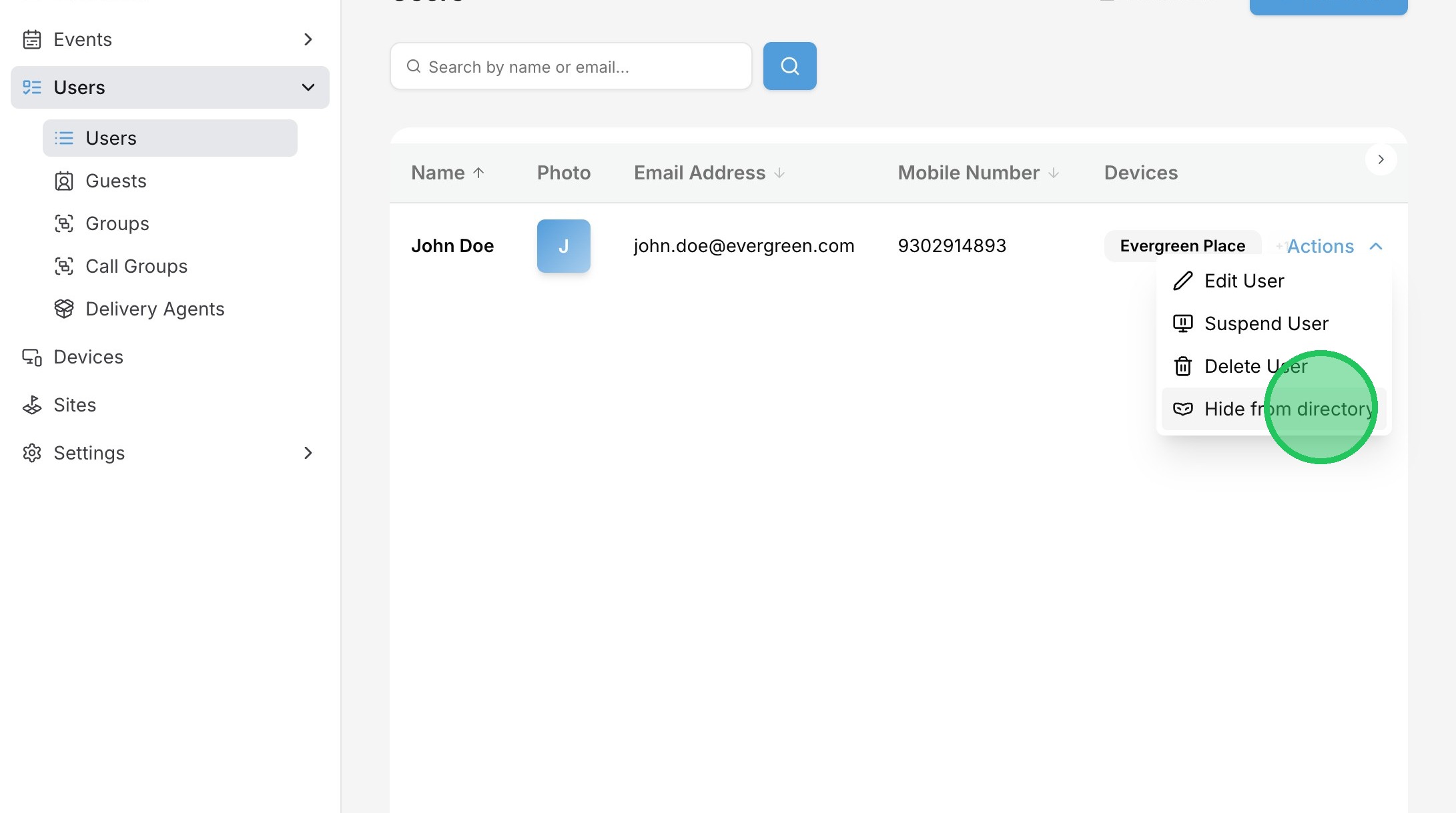
2. Click "Users"
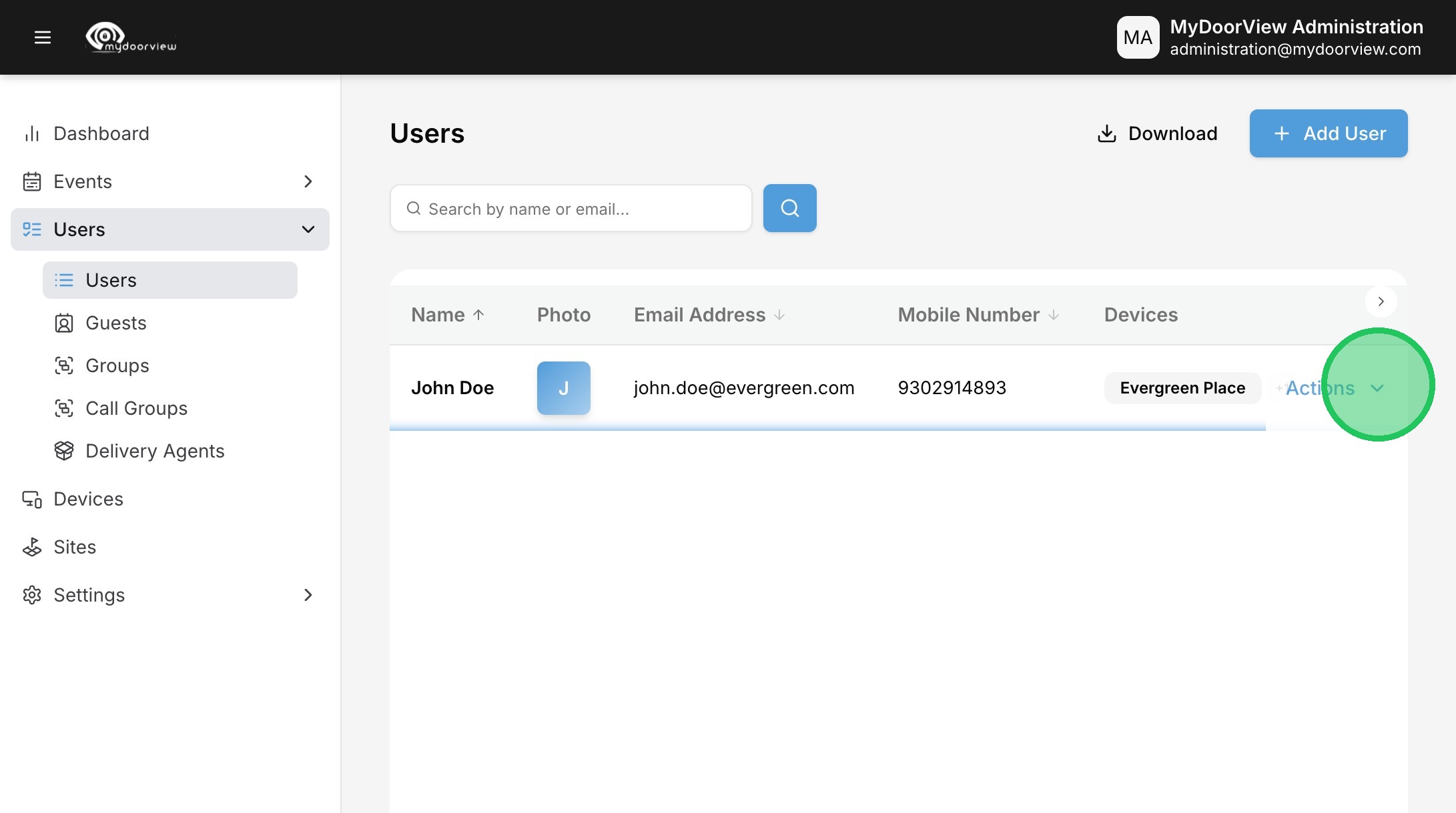
3. Click "Actions"
4. Click "Hide from directory"
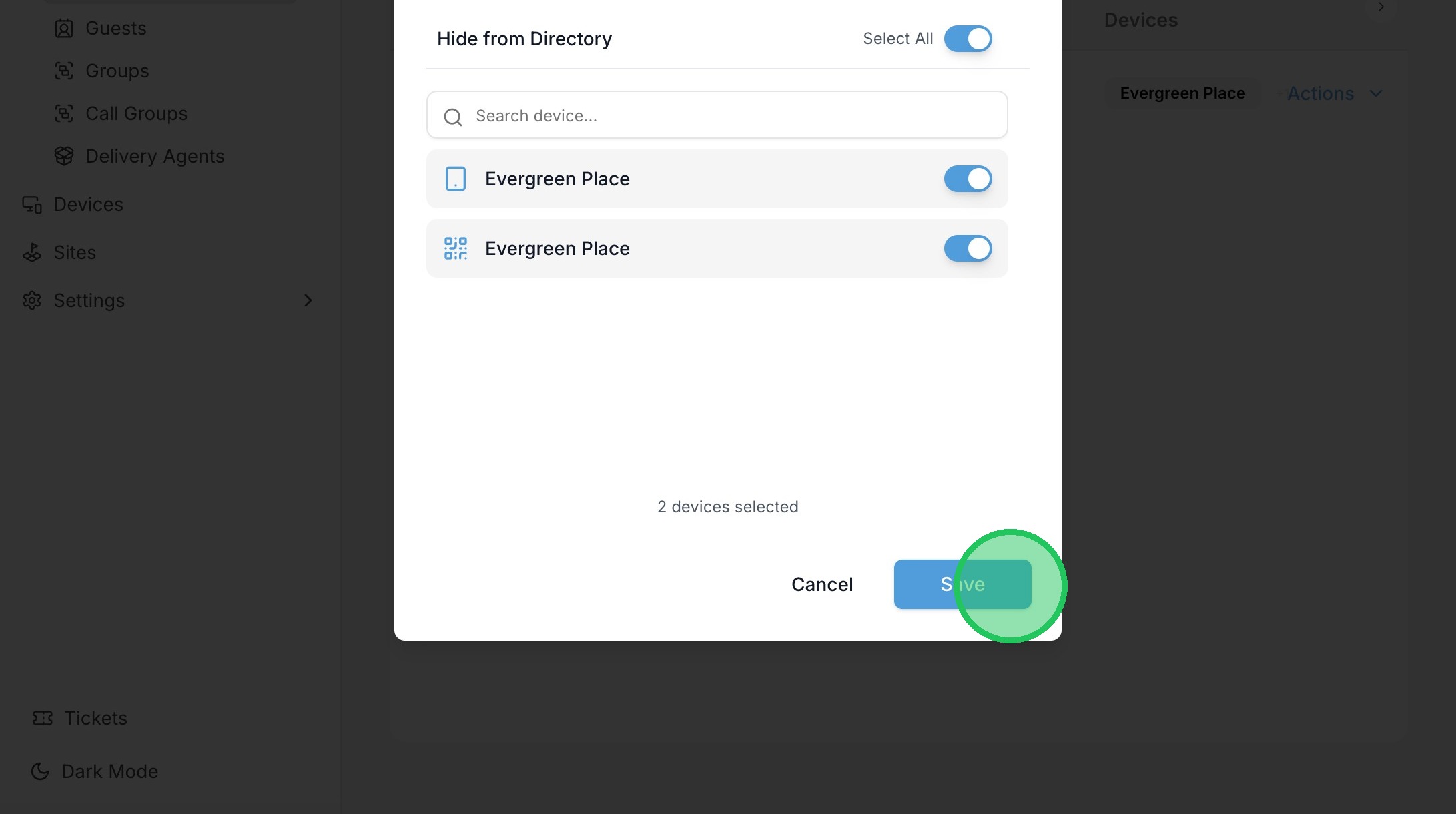
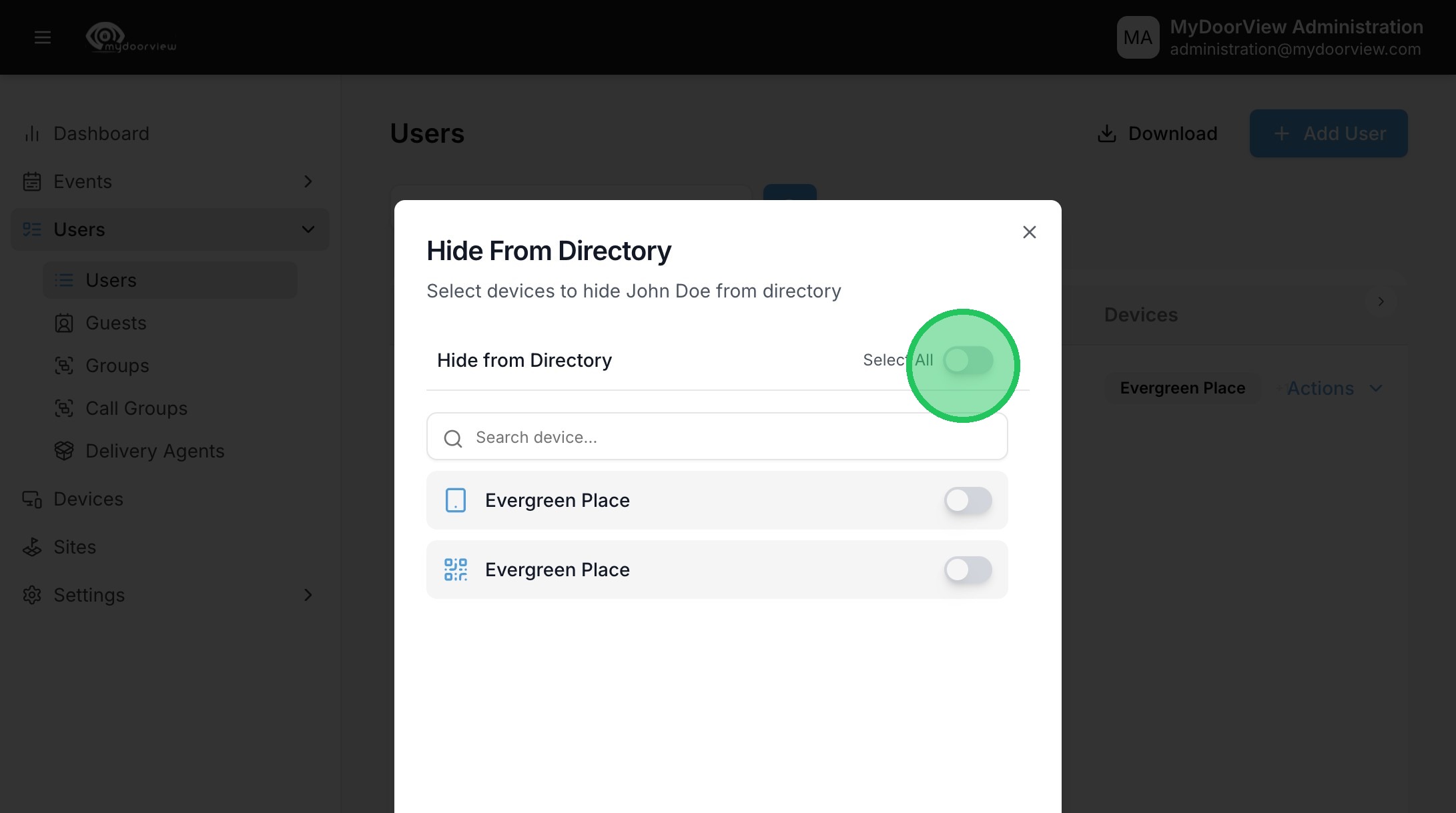
5. Click "Select All" to hide the user from the directory in all devices assigned, or pick the individual devices.
6. Click "Save"