1. Follow the Remote Access guide to remote into the account from the partner.mydoorview.com portal. Or access the account through account.mydoorview.com
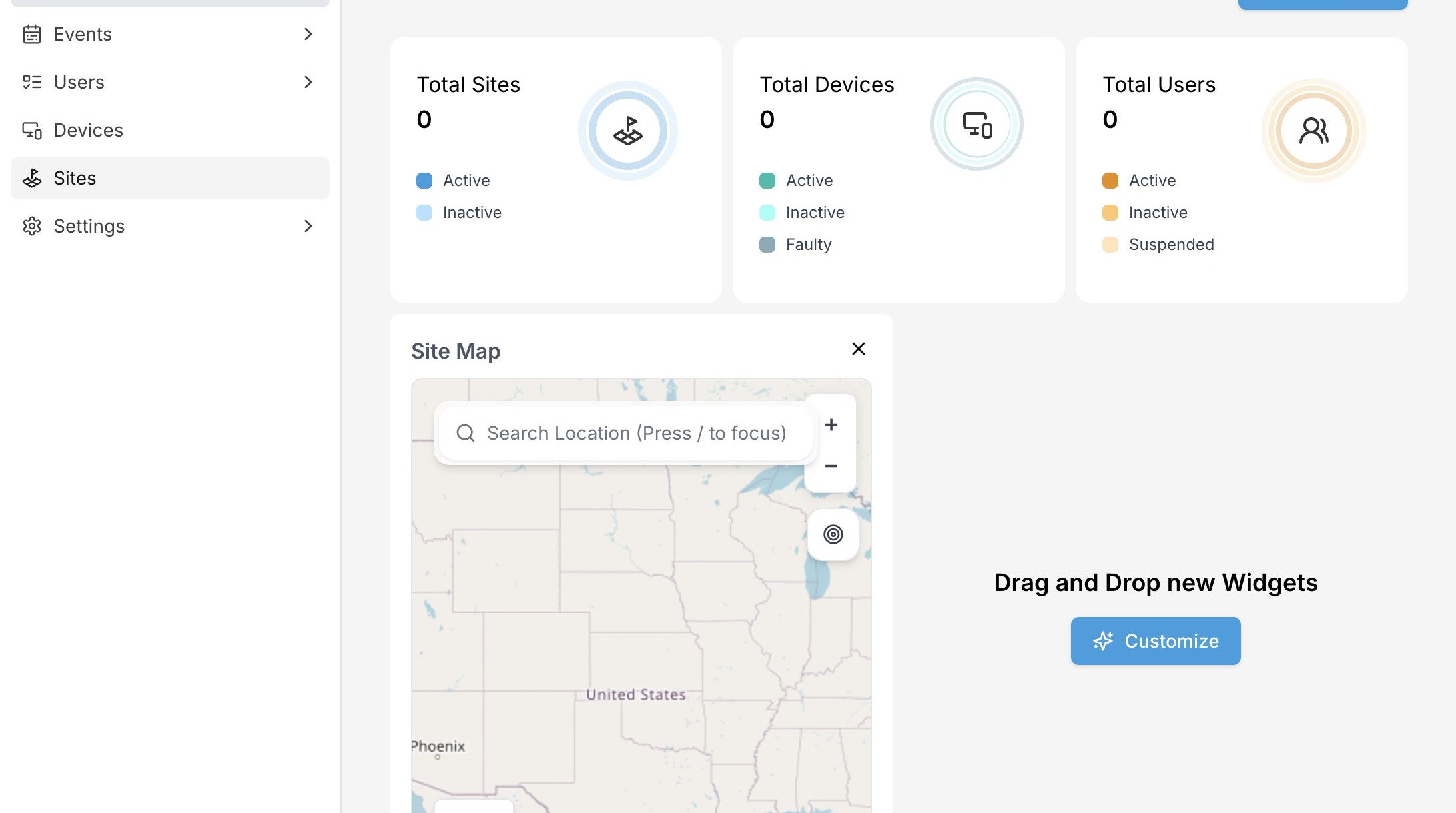
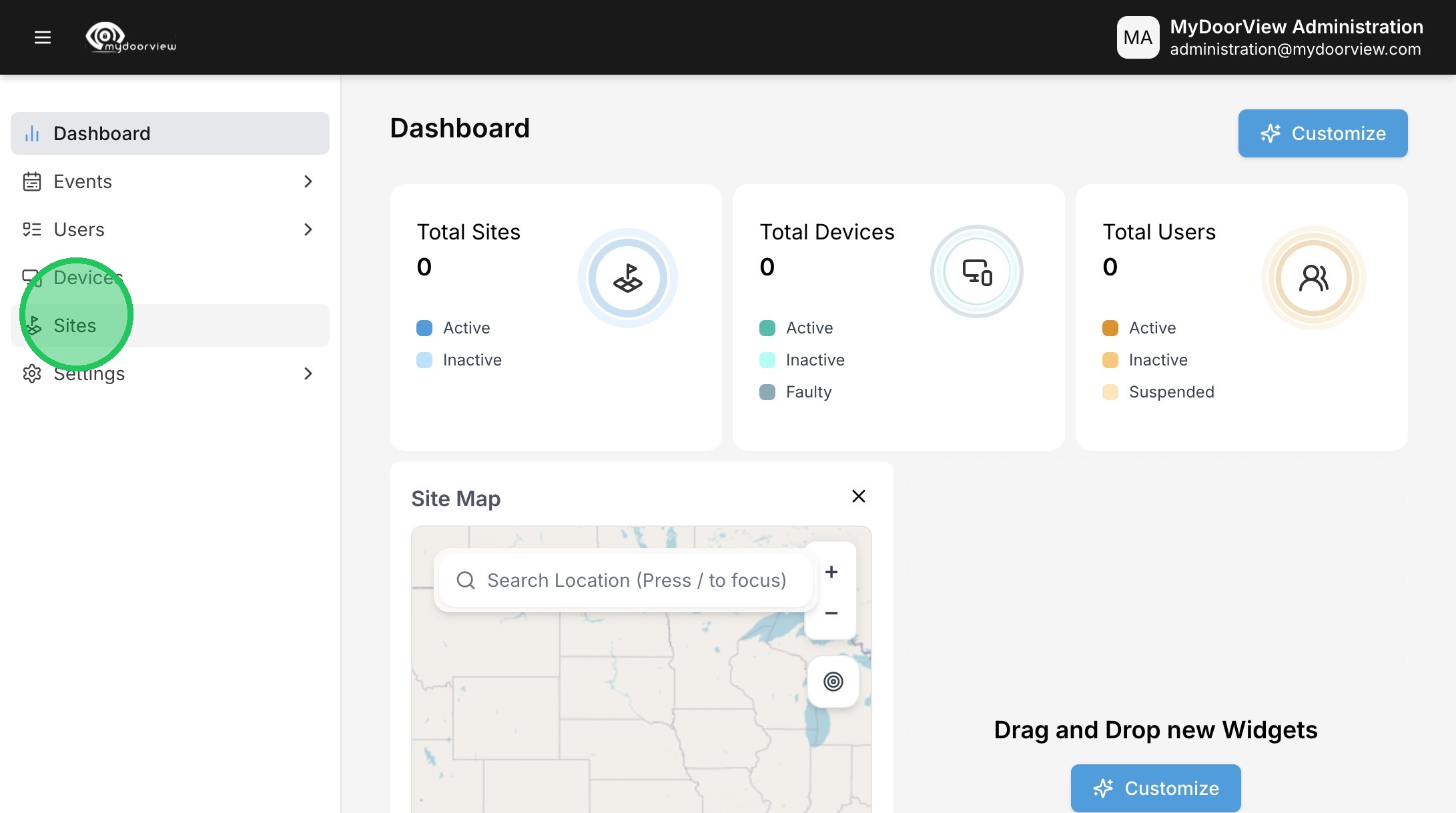
2. Click "Sites"
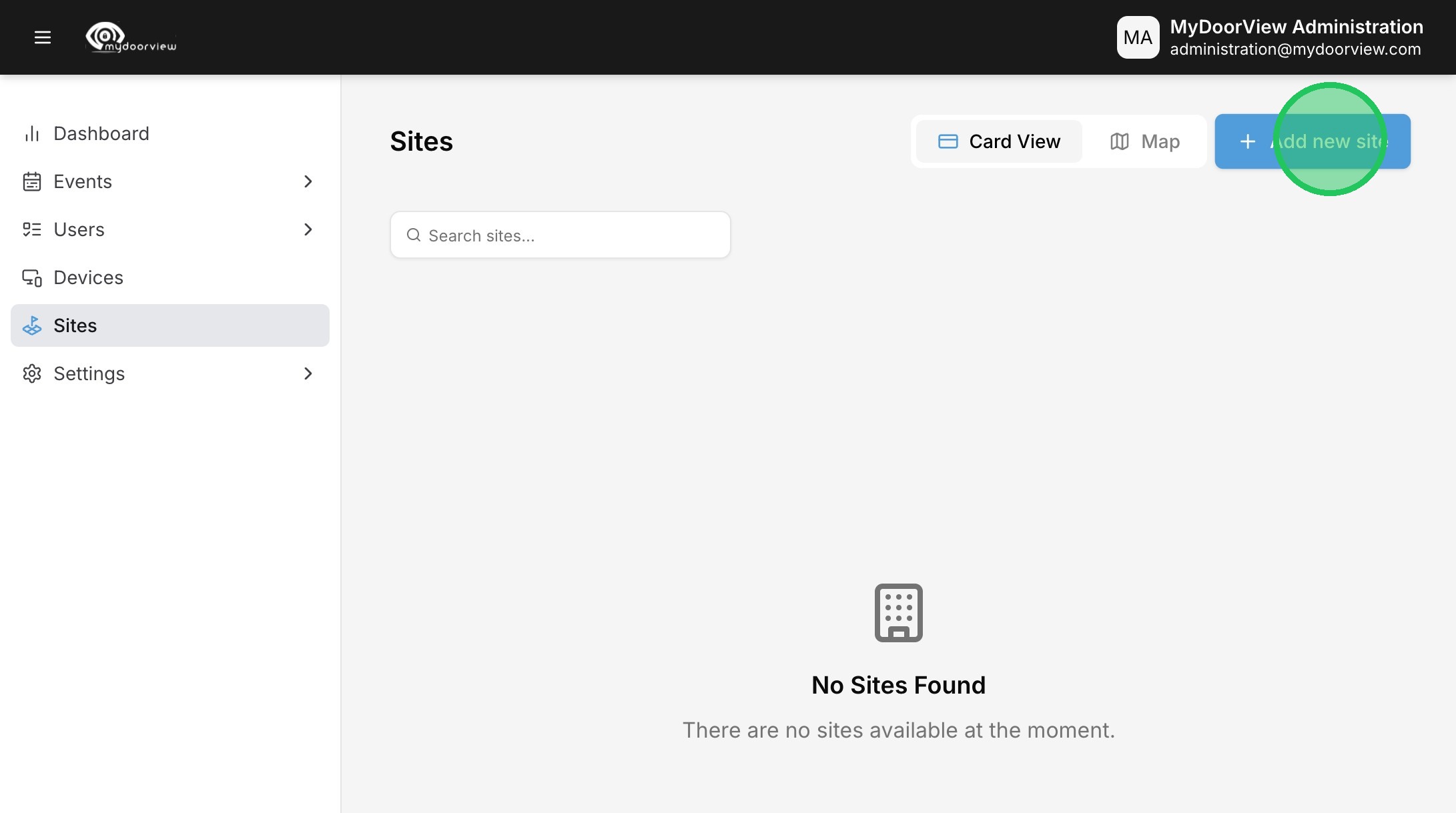
3. Click "Add new site"
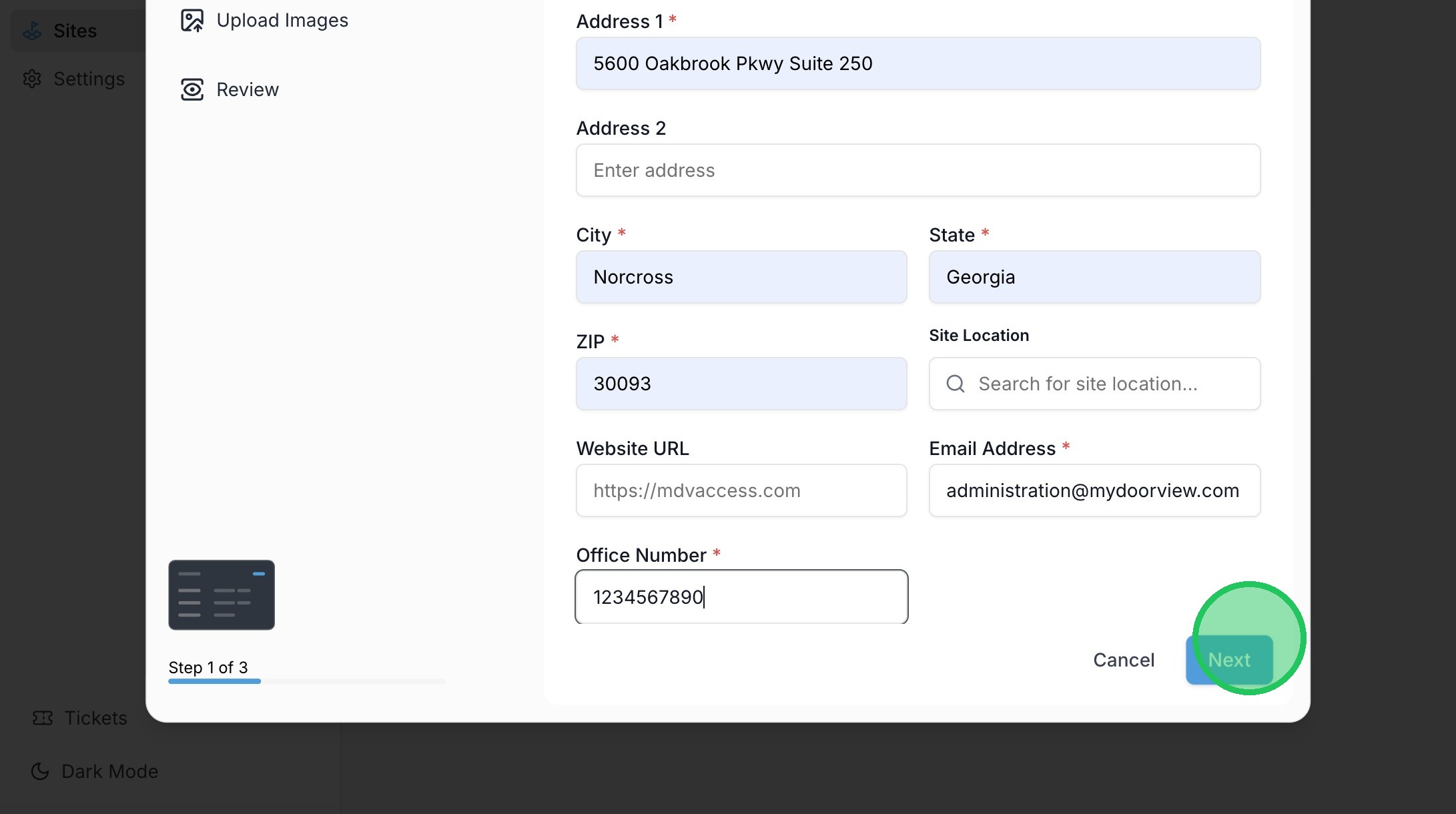
4. Fill out the Site Details and click "Next"
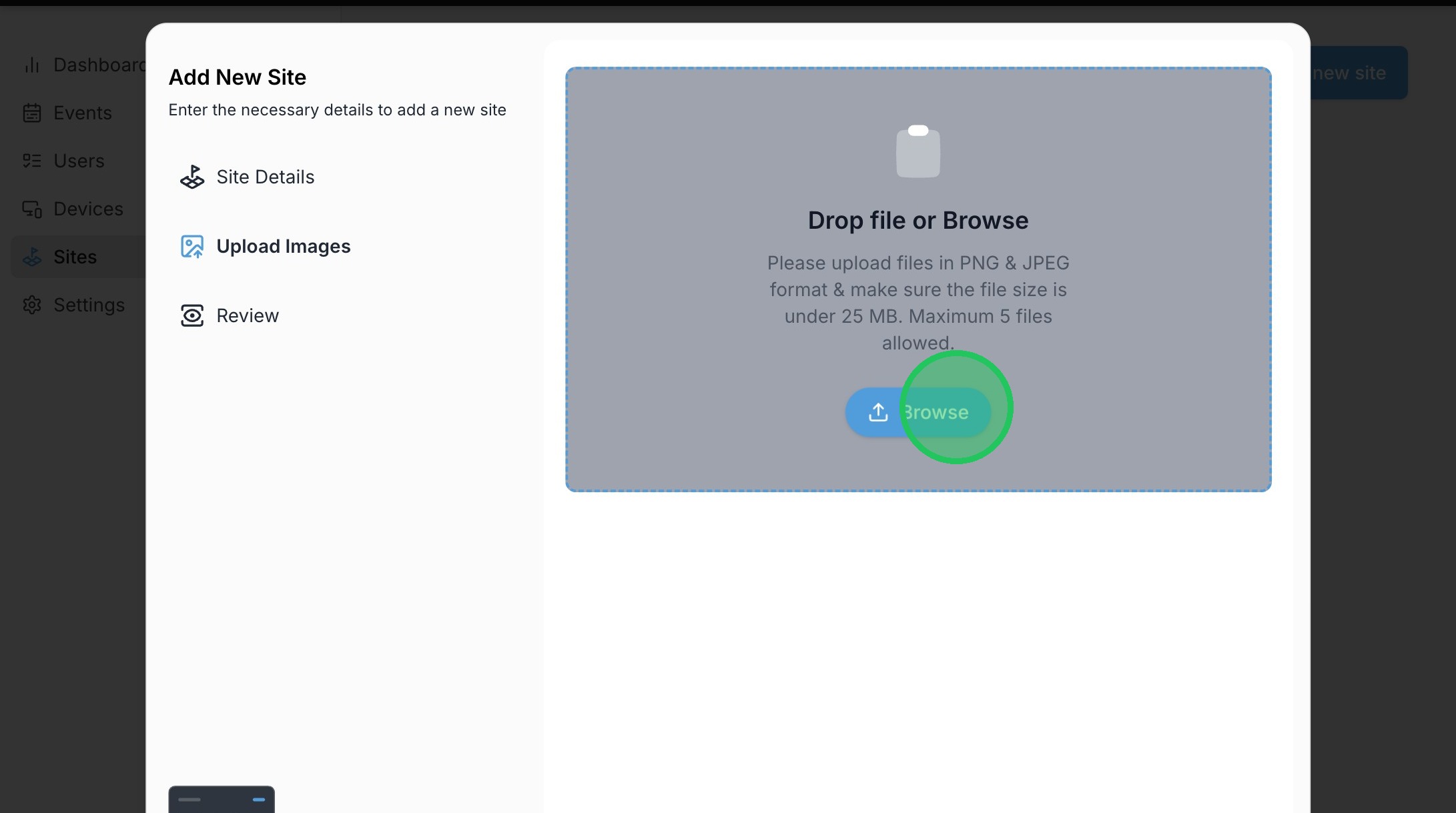
5. Click "Browse" to add a site photo or drag and drop the file.
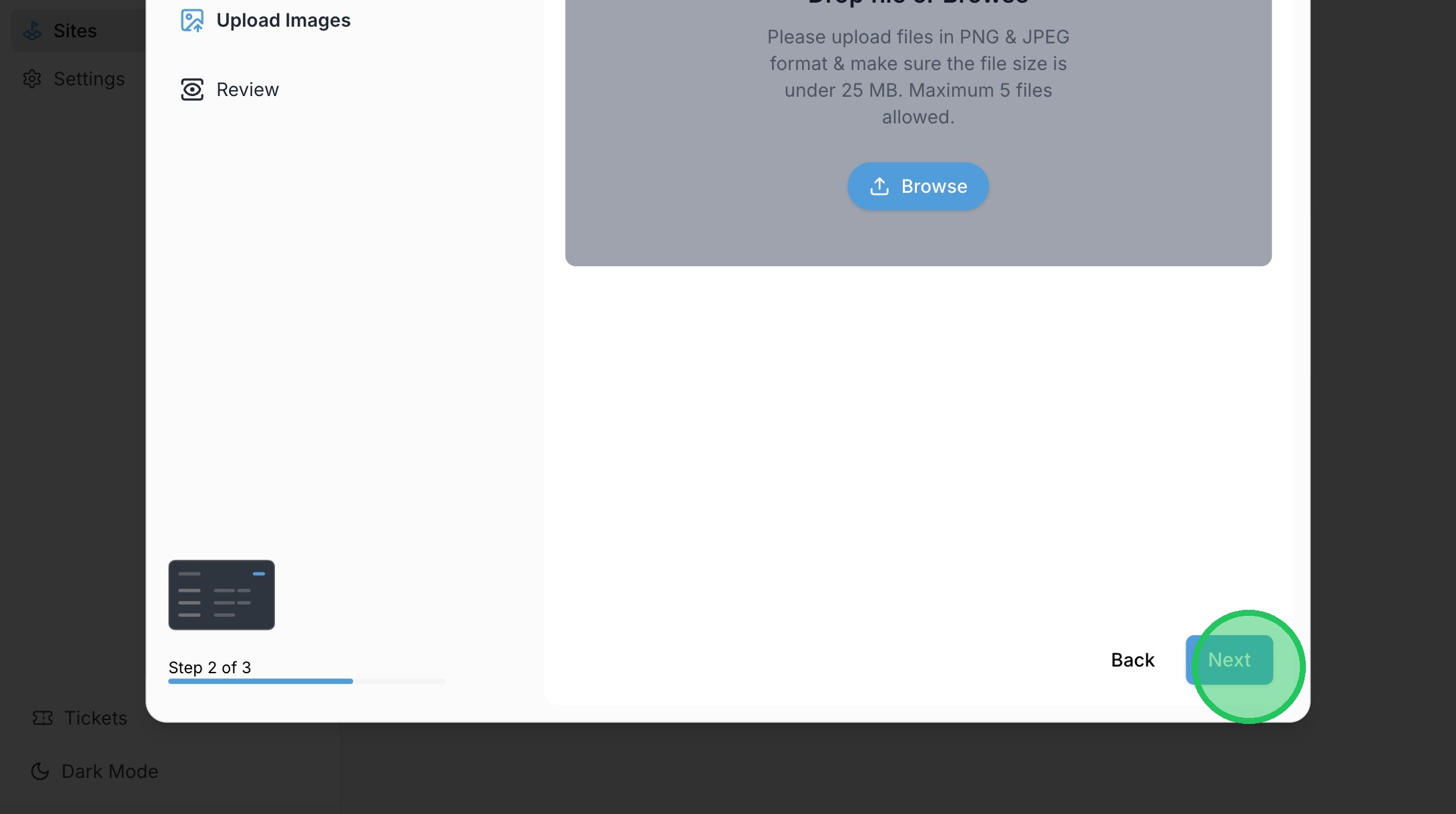
6. Click "Next"
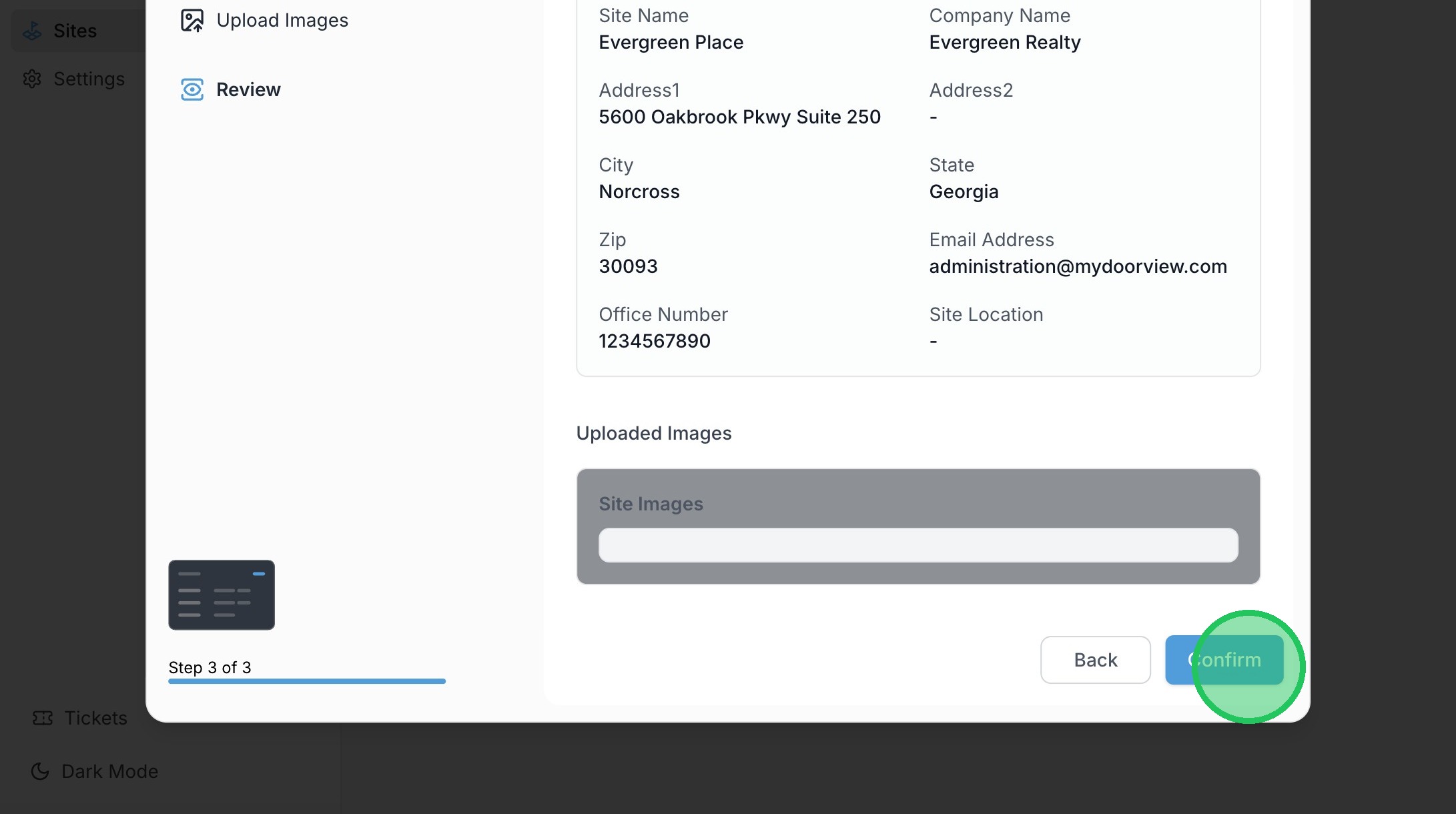
7. Click "Confirm"